
Kepler Dual battery: Removing and Installing Your ControllerUpdated 2 months ago
This guide walks you through removing and replacing the controller on your Ariel Rider e-bike. Follow the procedures in sequence to safely disassemble and install the controller assembly.
SAFETY WARNING: Before performing any maintenance or electrical work, remove both batteries from the bike and ensure the system is completely powered down.
Required Tools & Materials
- 2.5 mm hex wrench
- 3 mm hex wrench
- Electrical tape
- Wire cutters or snips (for zip ties)
Part 1: Removing the Controller
You can follow along with the video demonstration below or use the step-by-step written instructions.
- Remove the Seat:Release and remove the seat assembly to gain clear access to the frame components.
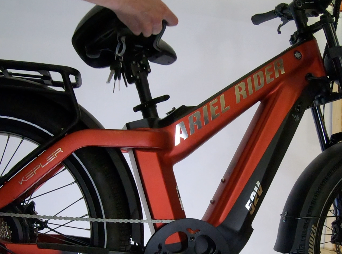
- Remove Both Batteries:
- Remove the top tube battery.
- Remove the down tube battery from the underside of the frame.
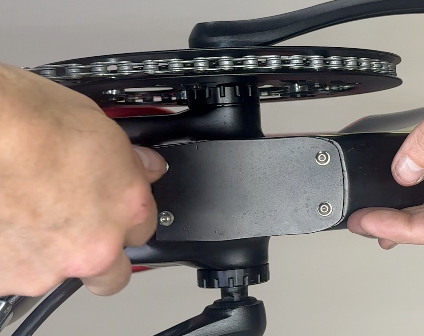
- Access Bottom Bracket Cover:Locate the access plate below the bottom bracket. Using a 3 mm hex wrench, remove the four screws securing the cover housing the controller and battery balancer connectors.
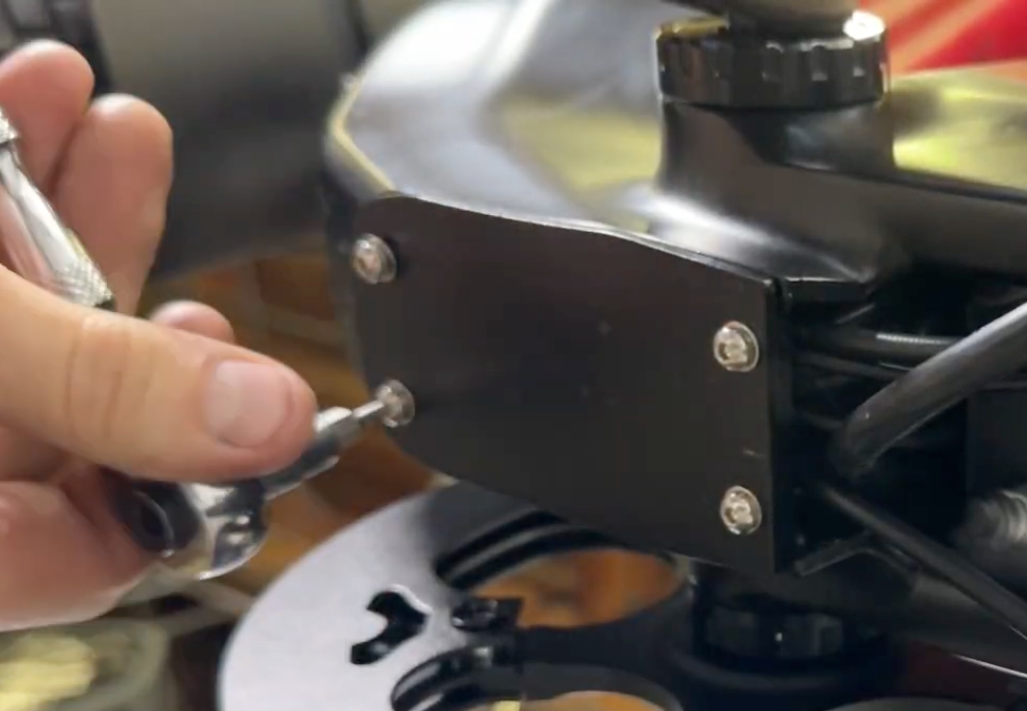
- Disconnect Battery Balancer:Gently pull out the battery balancer module and disconnect its wiring plugs.
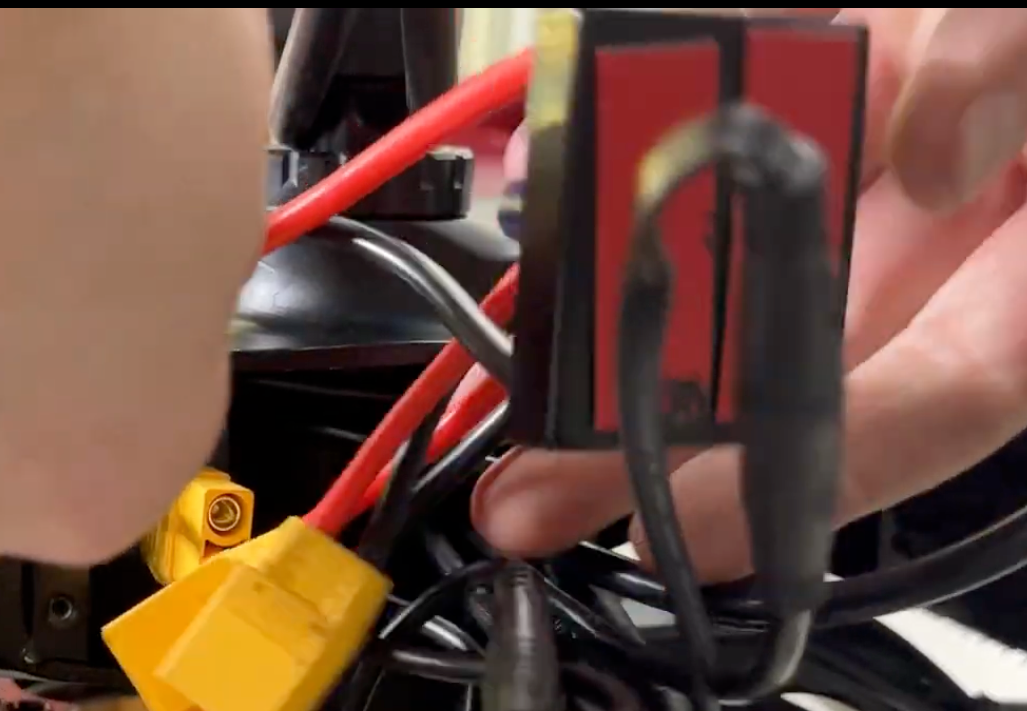
- Disconnect Remaining Connectors:Carefully disconnect all remaining wire harness connectors inside the bottom bracket cavity.
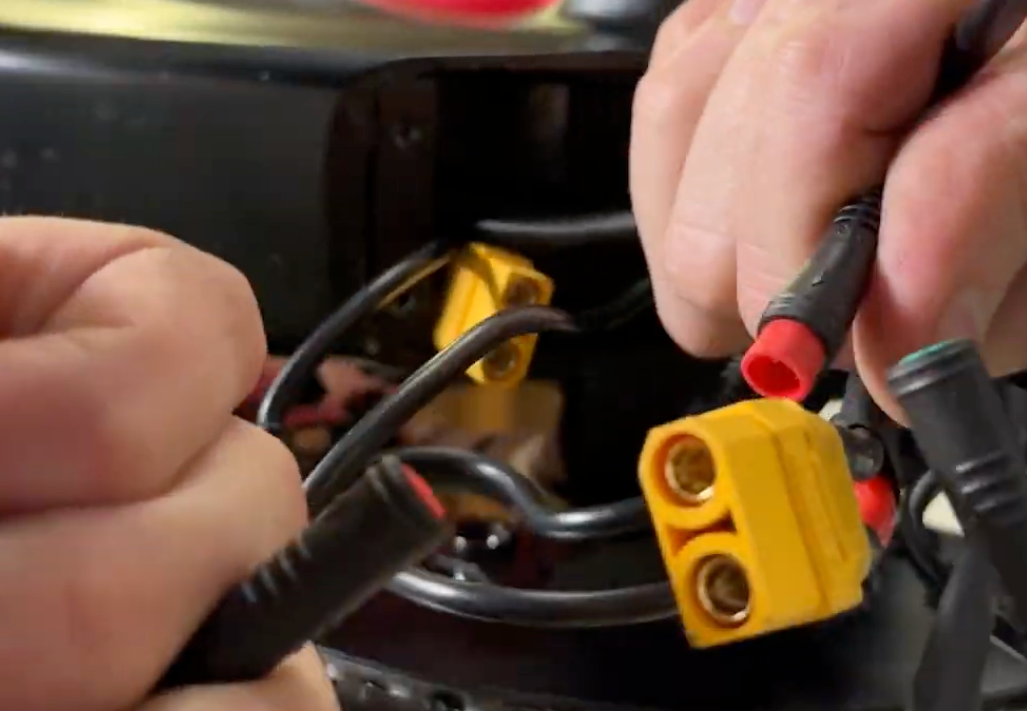
- Free Motor Cable:
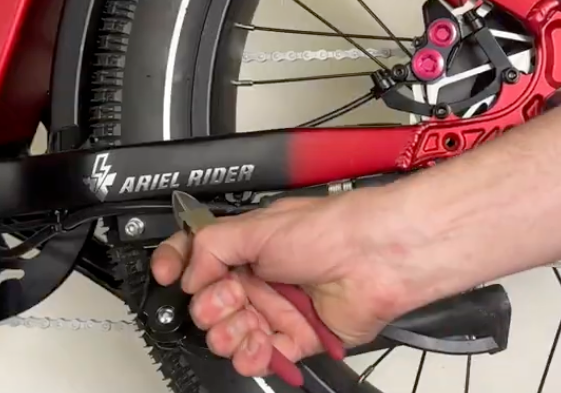
- Clip the zip ties holding the controller and motor cable in place.
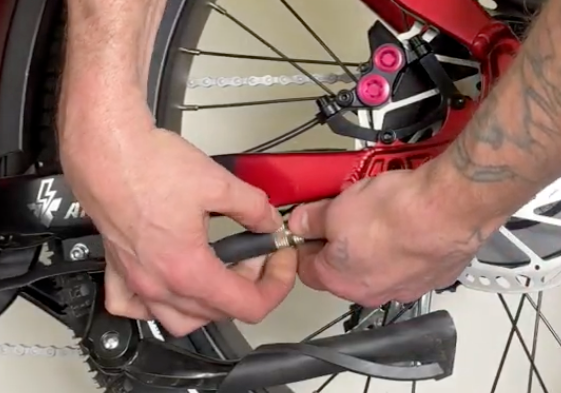
- Unscrew the quick-disconnect motor connector ring and pull the connector apart.
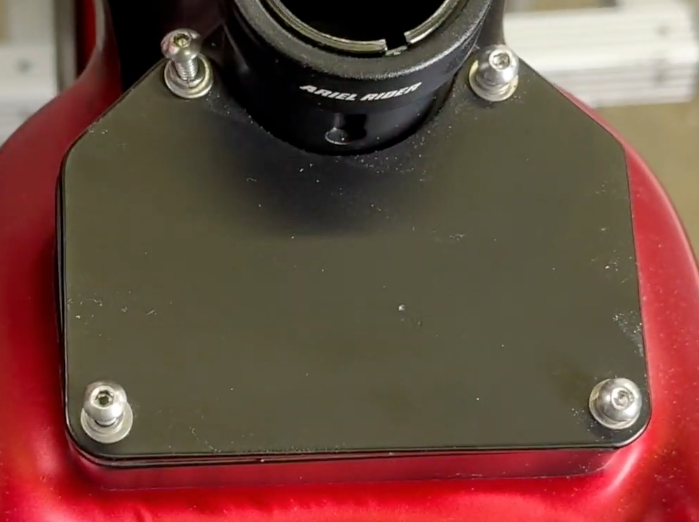
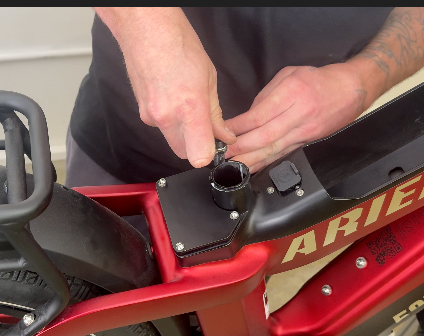
- Remove Seat Post Cover:Using a 3 mm hex wrench, remove the four screws from the cover located behind the seat post.
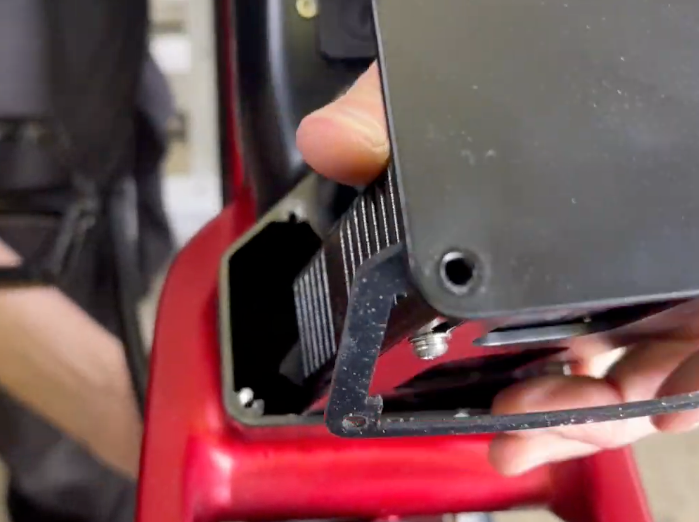
- Slide Out Controller:Carefully slide the controller unit out of the frame tube, making sure cables do not snag. Remove the two screws securing the controller to its tray using a 3 mm hex wrench.
Part 2: Installing the Replacement Controller
- Bundle Cable Assembly:Loosely bundle and wrap the cables from the new controller and DC-to-DC converter together using electrical tape on the assembly carrier.
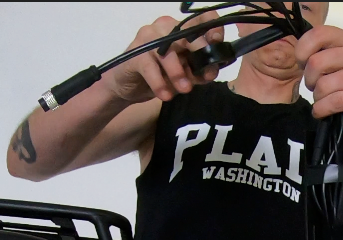
- Slide Controller into Frame:Lower the taped cable bundle into the controller compartment while sliding the carrier into the frame tube behind the seat post.
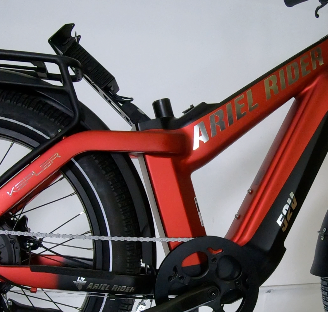
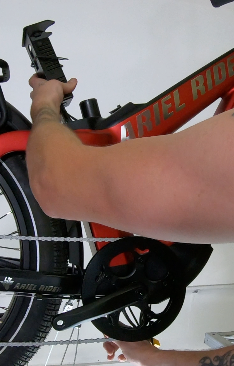
- Guide Cables Out Bottom:Reach into the bottom bracket cavity, guide the cable bundle through the bottom opening, and remove the electrical tape.
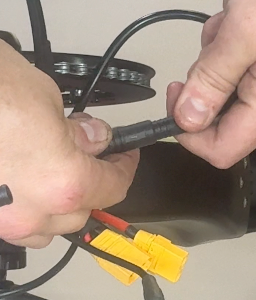
- Connect Wiring Harness:Reconnect all matching connector pairs, ensuring connections are fully seated.
- Secure Bottom Bracket Cover: Carefully push excess cable slack back into the frame. Ensure no wires are pinched under the cover edge. Reinstall the cover with four M5 bolts, washers, and lock washers using a 2.5 mm hex wrench. Tighten to 3 Nm.
- Secure Carrier Cover: Reinstall the carrier assembly cover behind the seat post using four M5 bolts, washers, and lock washers with a 2.5 mm hex wrench, ensuring the rubber seal is seated properly. Tighten to 3 Nm.
- Final Assembly: Reinstall the seat post, clamp securely, and reinsert both batteries.
Post-Installation Check: Power on the system and perform a brief function check (lights, display, throttle, pedal assist) before taking a full test ride.
Need Additional Help?
If you encounter any difficulties during controller installation or need replacement parts, please reach out to our technical support team through our contact form.