
How to install/replace a rear motor coreUpdated 2 months ago
Motor Core Installation Instructions
- Estimated Time: 30 minutes
- Models Covered: X-Class, Kepler, and Grizzly models with Bafang motors
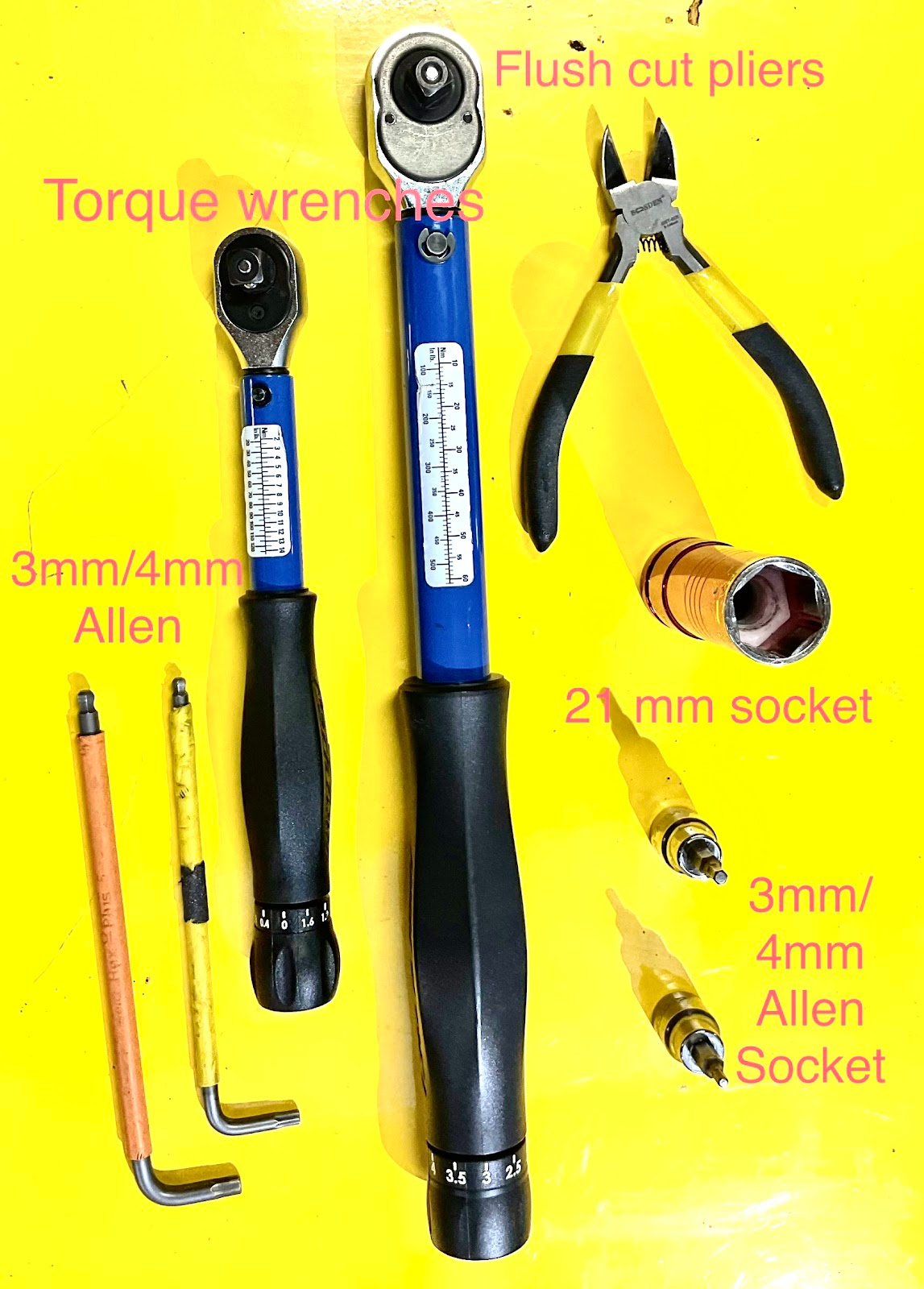
- Tools Needed:
- White lithium grease
- Torque wrench (range: 2 Nm – 50 Nm)
- 21mm socket
- 3mm and 4mm Allen wrenches
- Flush-cutting pliers
Power cycle the bike by removing the battery and holding down the power button to discharge all remaining current from the electrical system.
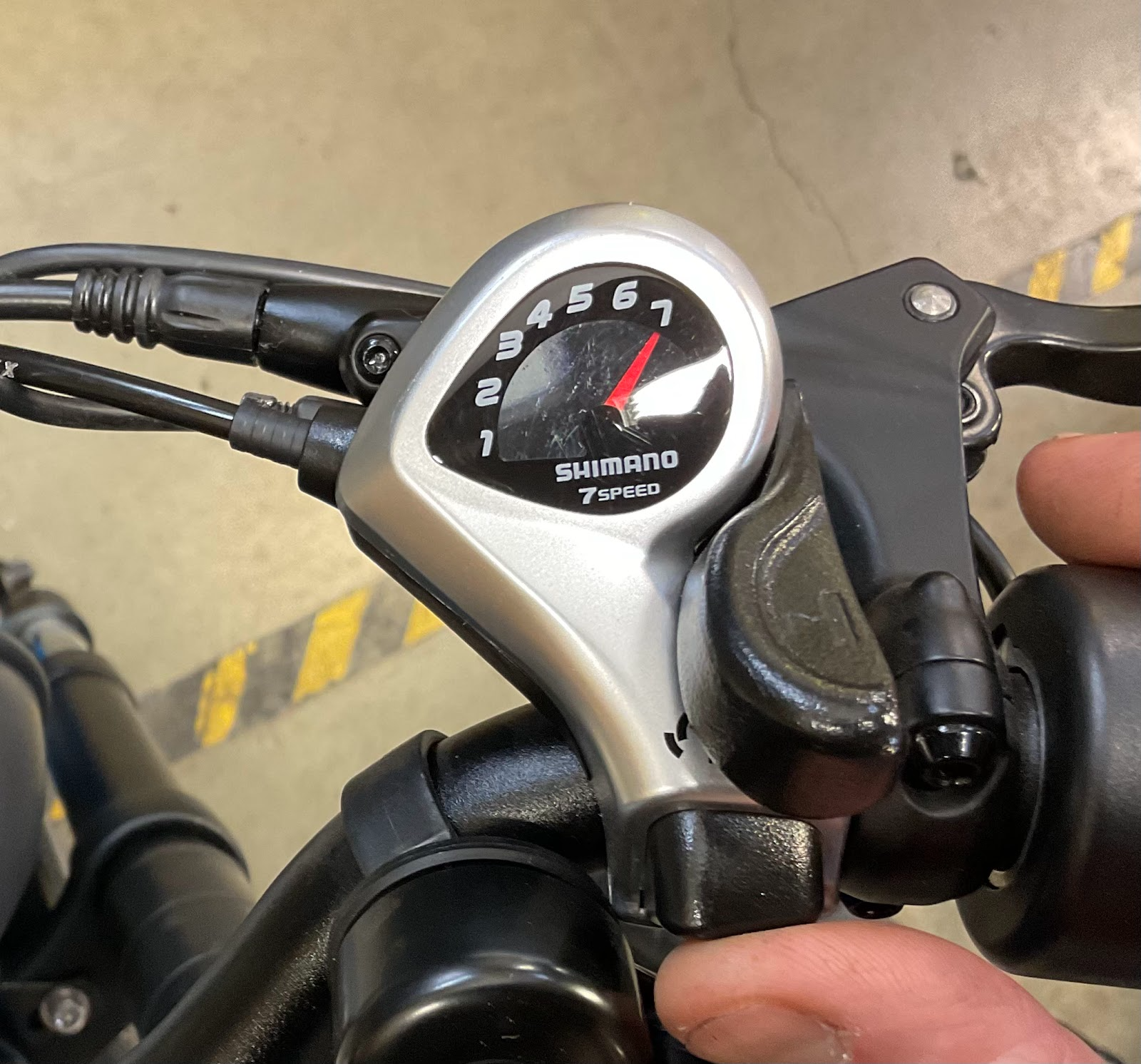
Shift your bike into gear 7 using the button on the shifter on the right side of your handlebar. While shifting, manually rotate the pedals to ensure the derailleur moves the chain onto the smallest cog (7th gear).
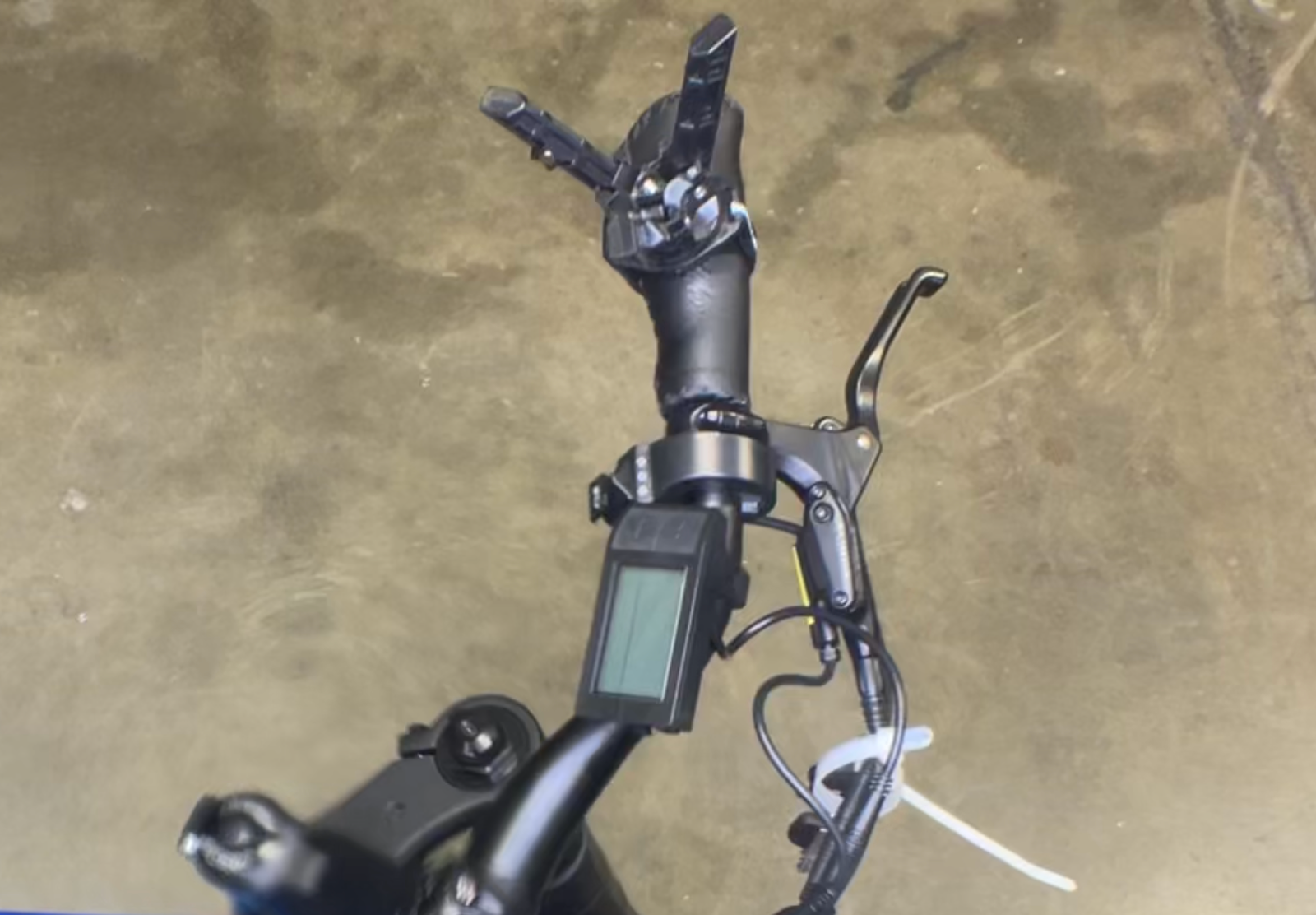
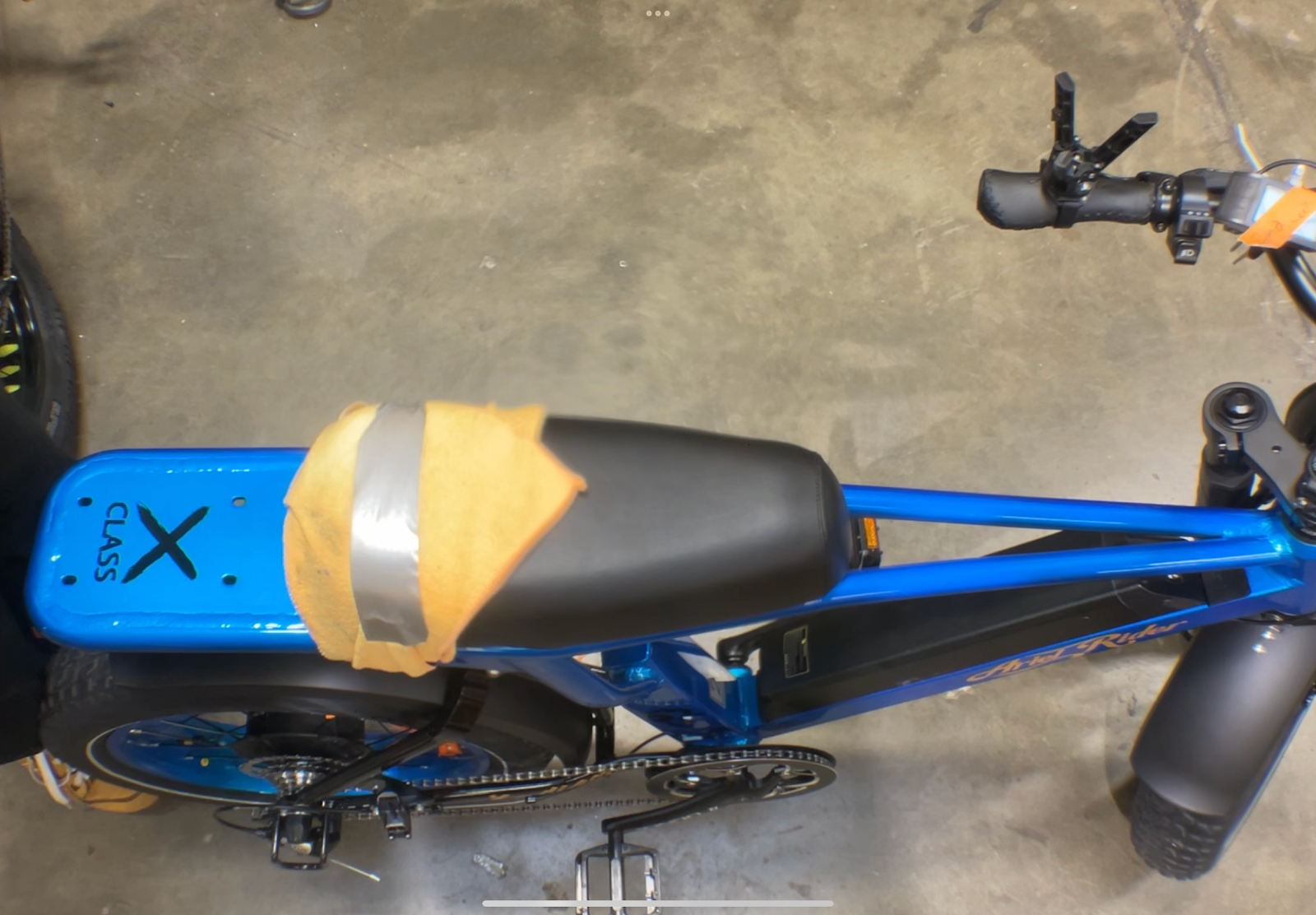
Install your Handlebar Jacks on both handlebar grips, and use a pad or towel to protect your seat and frame. Carefully flip your bike upside down—we recommend asking a friend to assist, as the bike can be heavy and awkward to maneuver alone.
Using flush-cutting pliers, carefully cut the zip ties securing the motor cable.
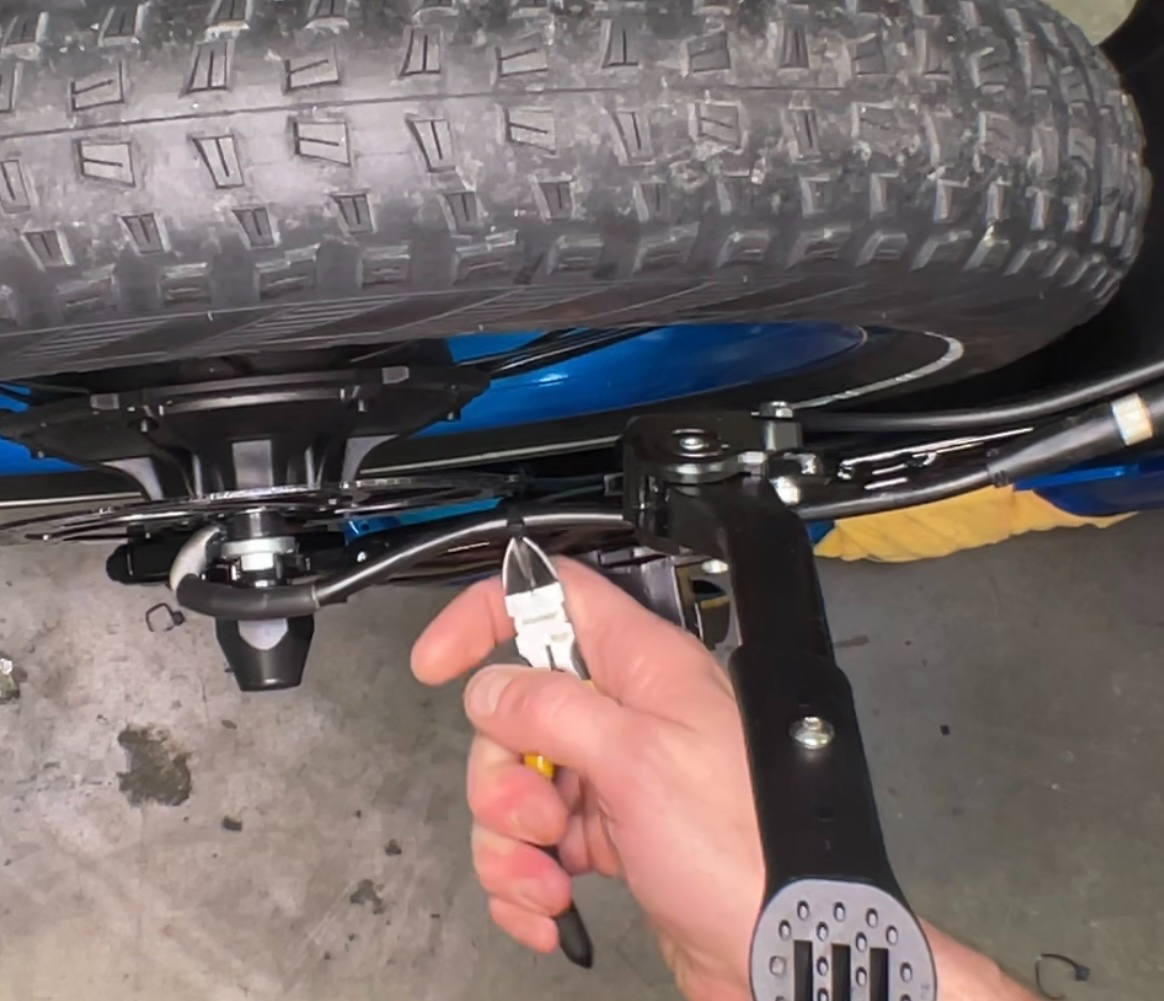
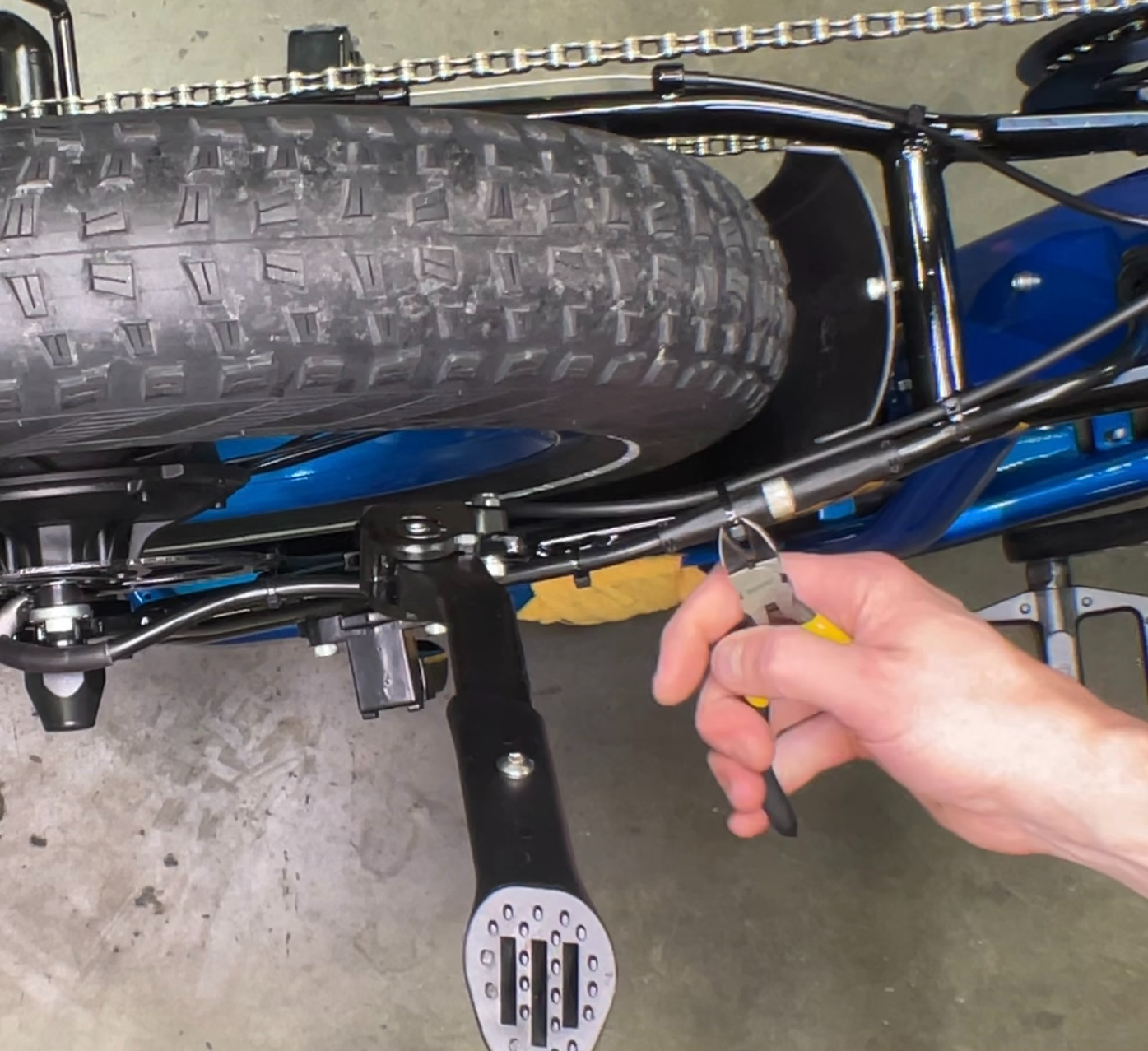
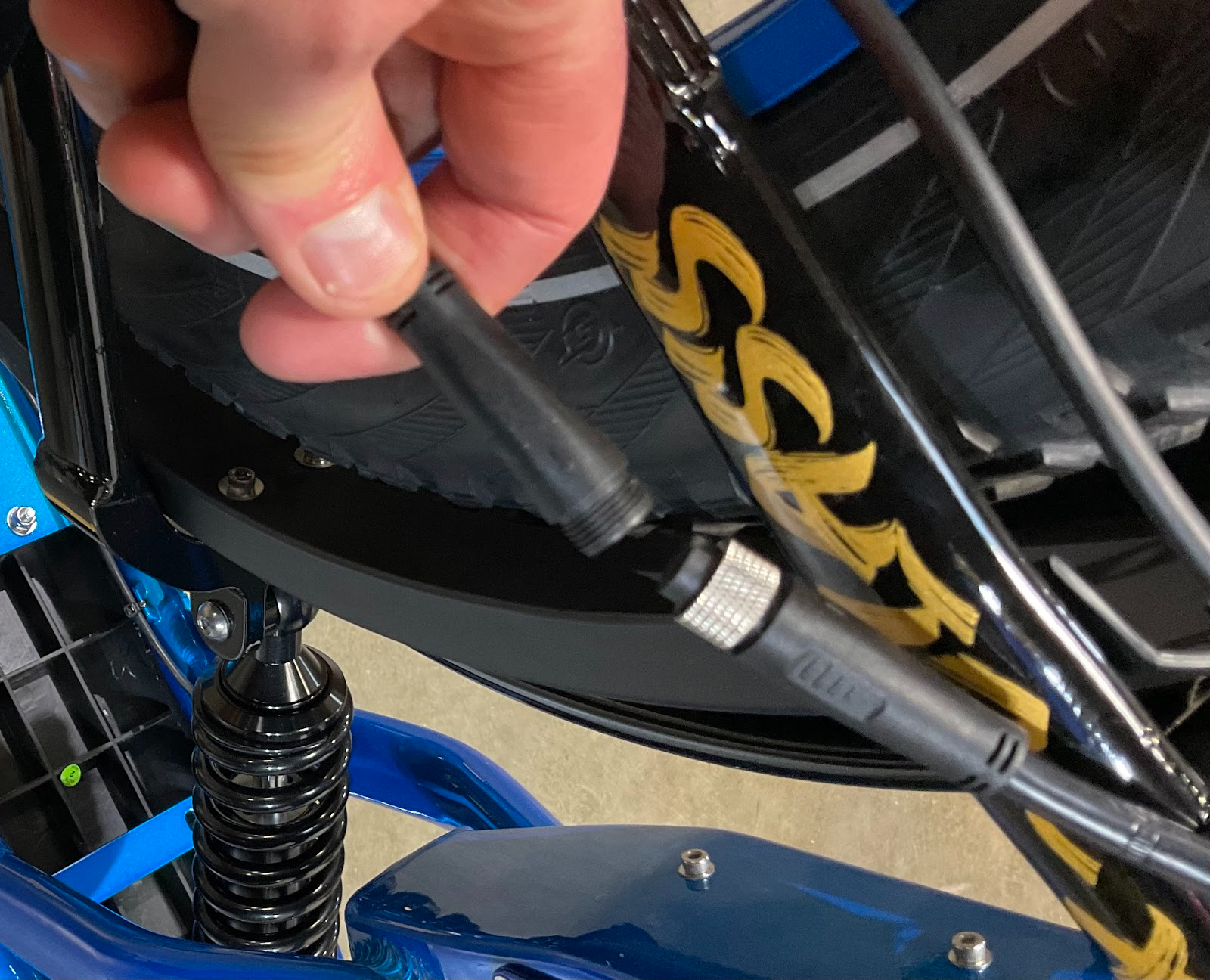
Unscrew the metal locking ring on the motor cable connector and pull the cable apart to disconnect it.
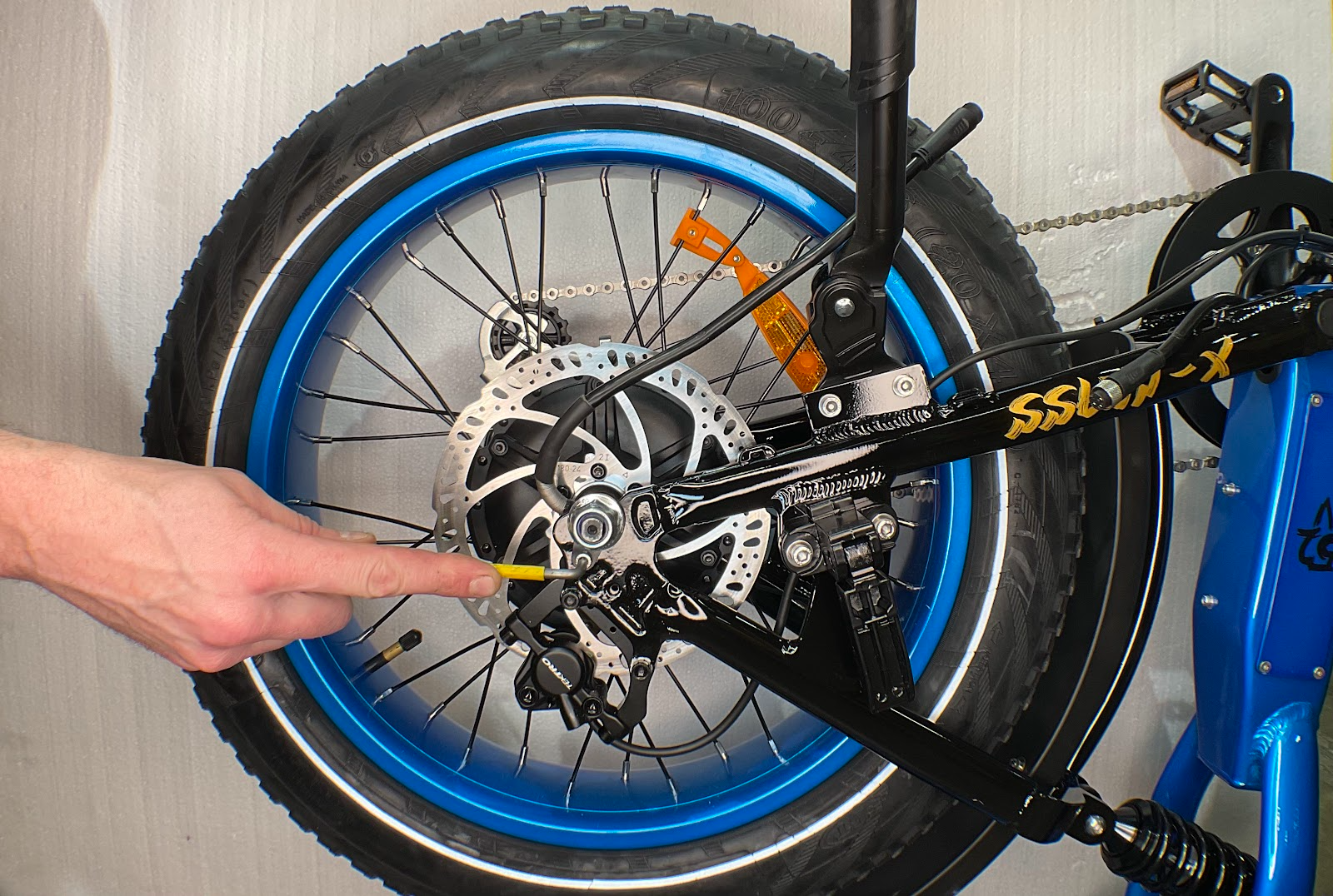
Use a 21mm socket driver to completely remove the axle nuts on both sides.
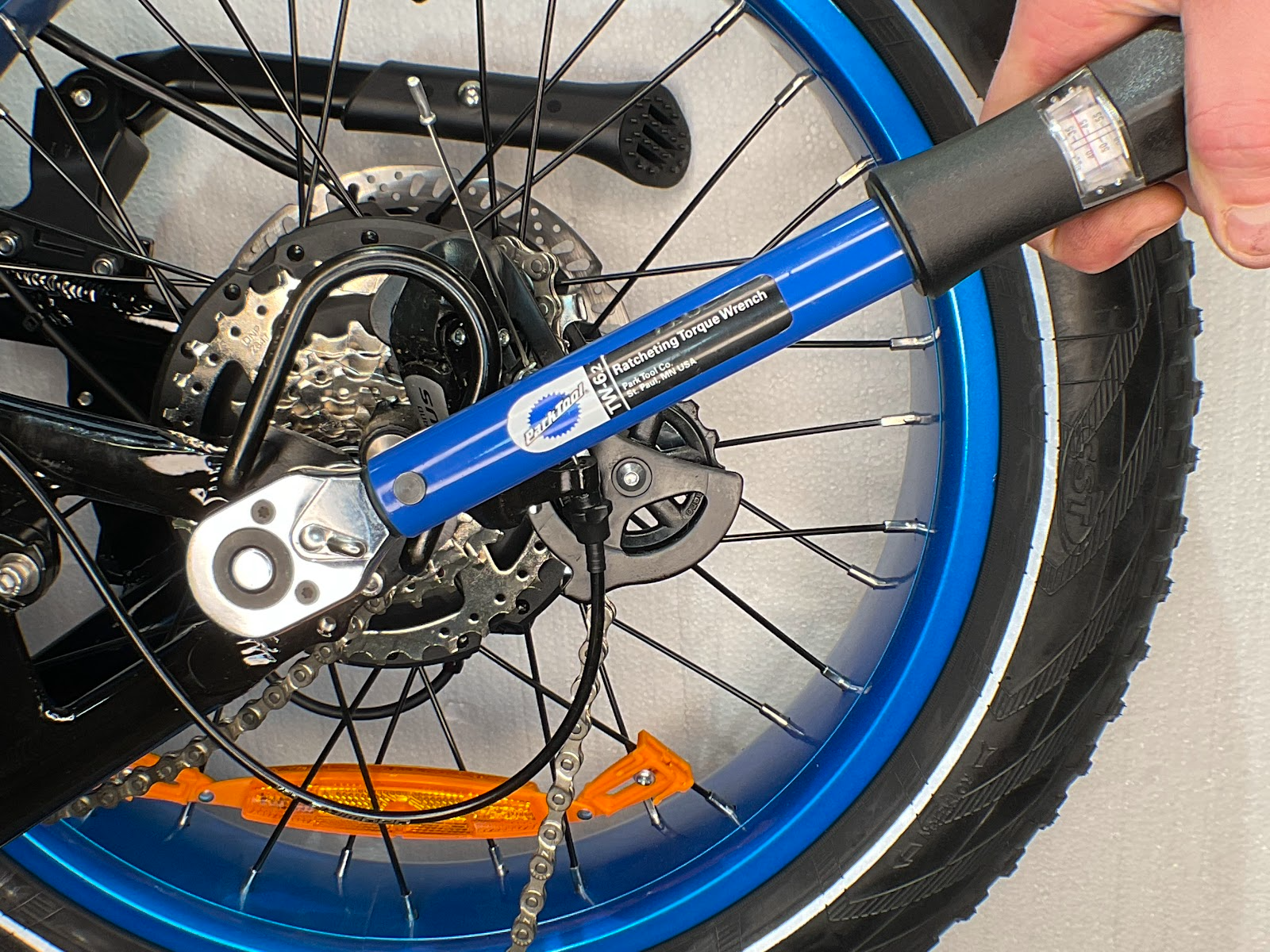
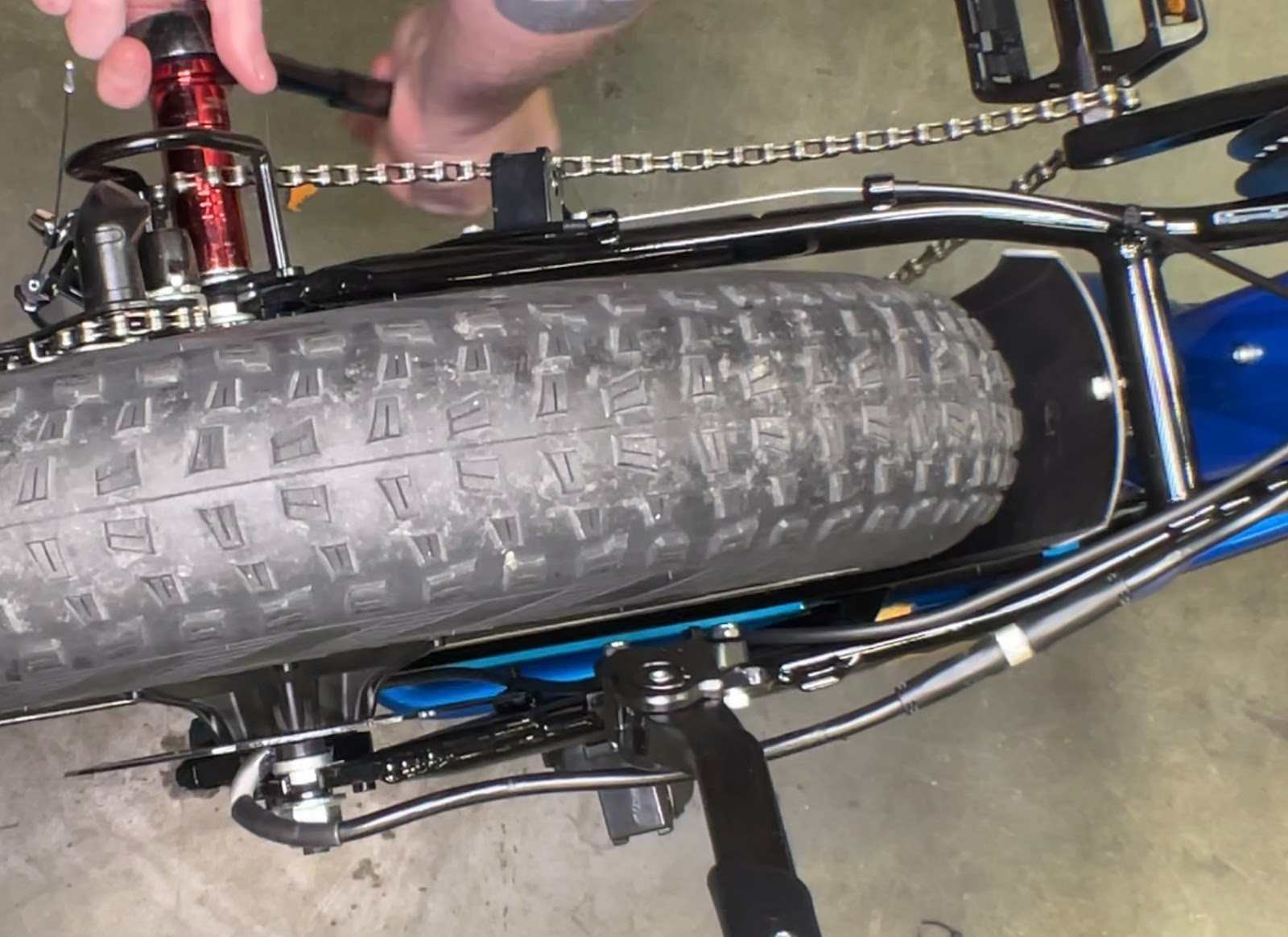
Use a 4mm Allen wrench to remove the mounting bolts securing the Torque Guard and the torque arm.
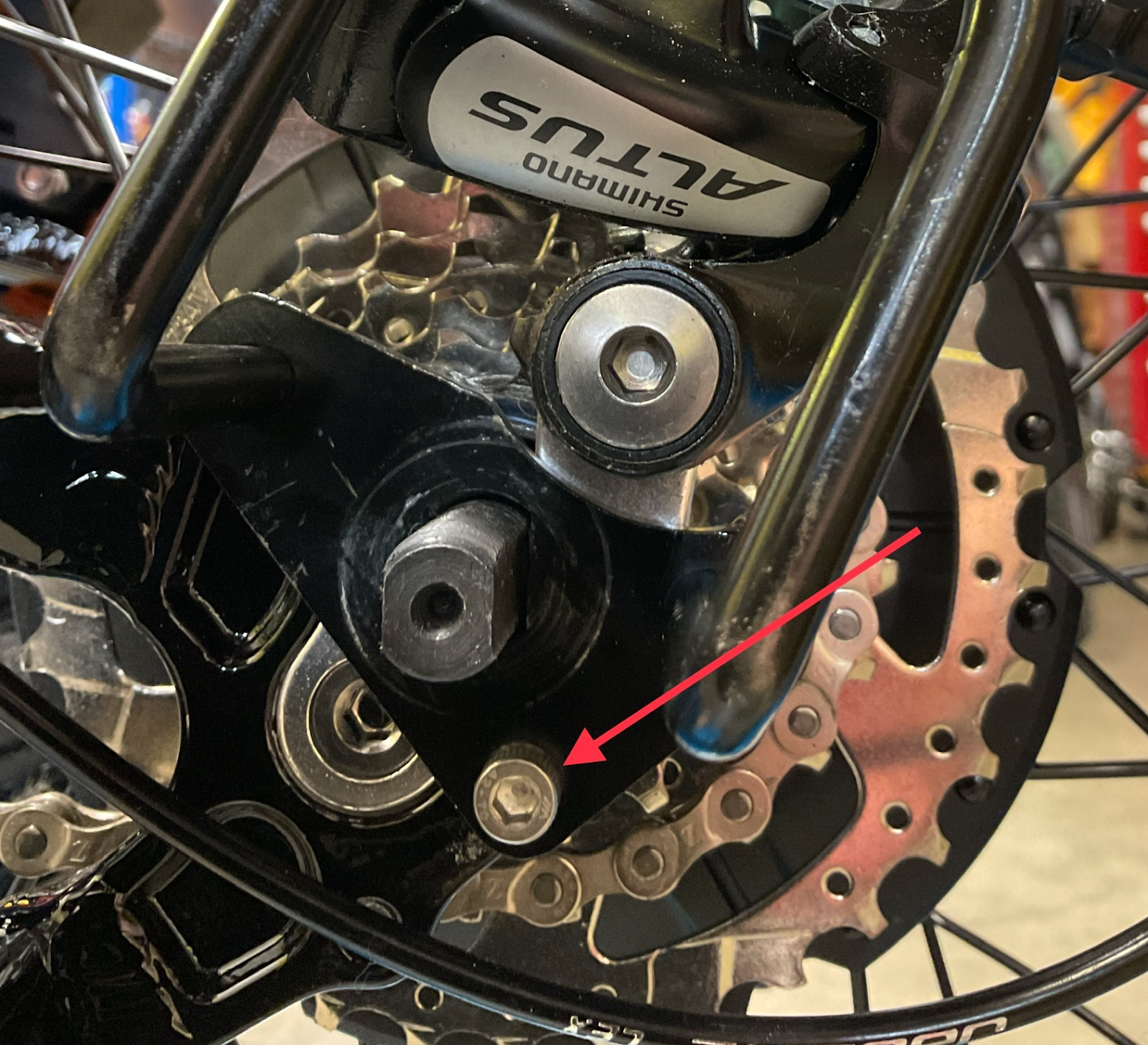
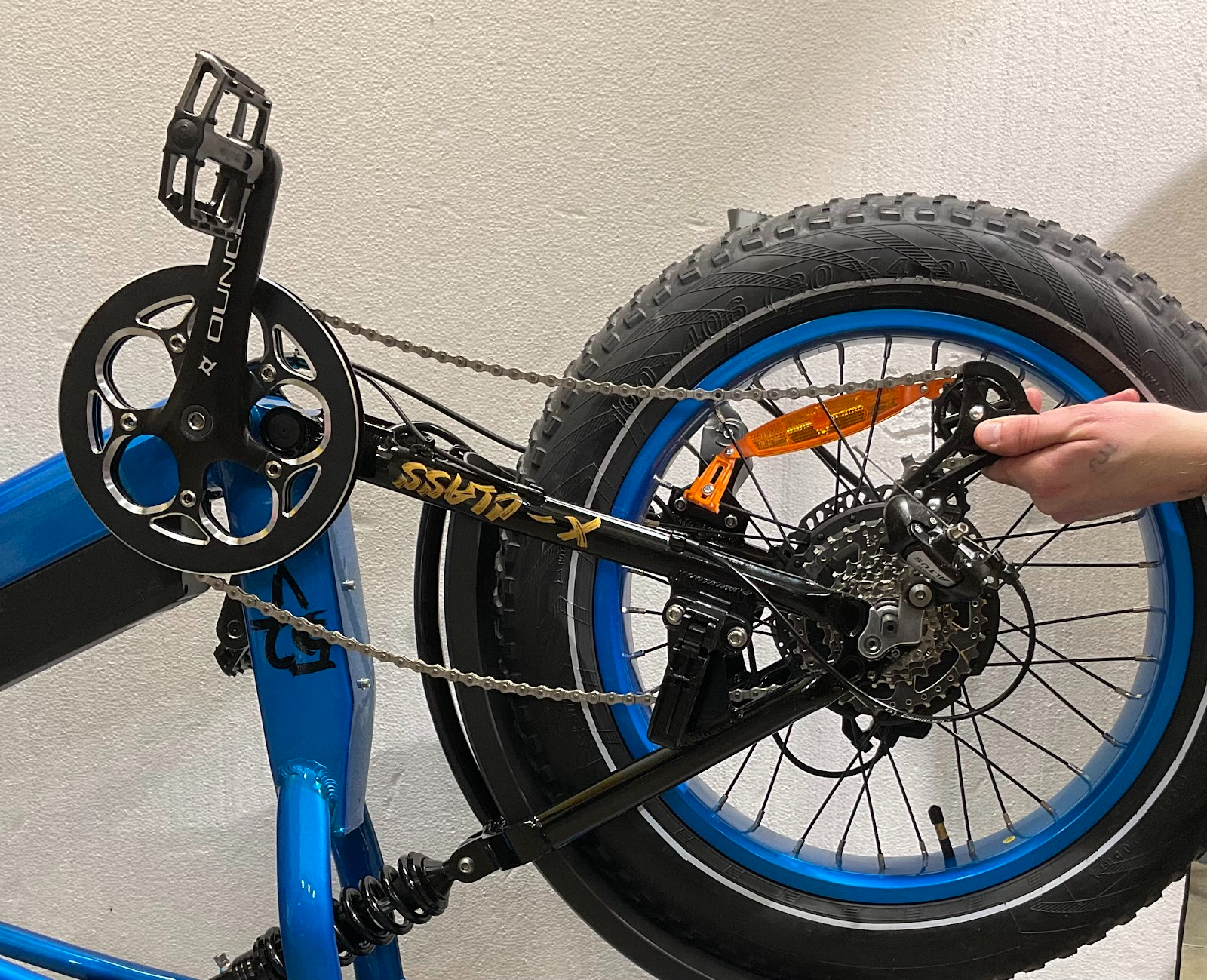
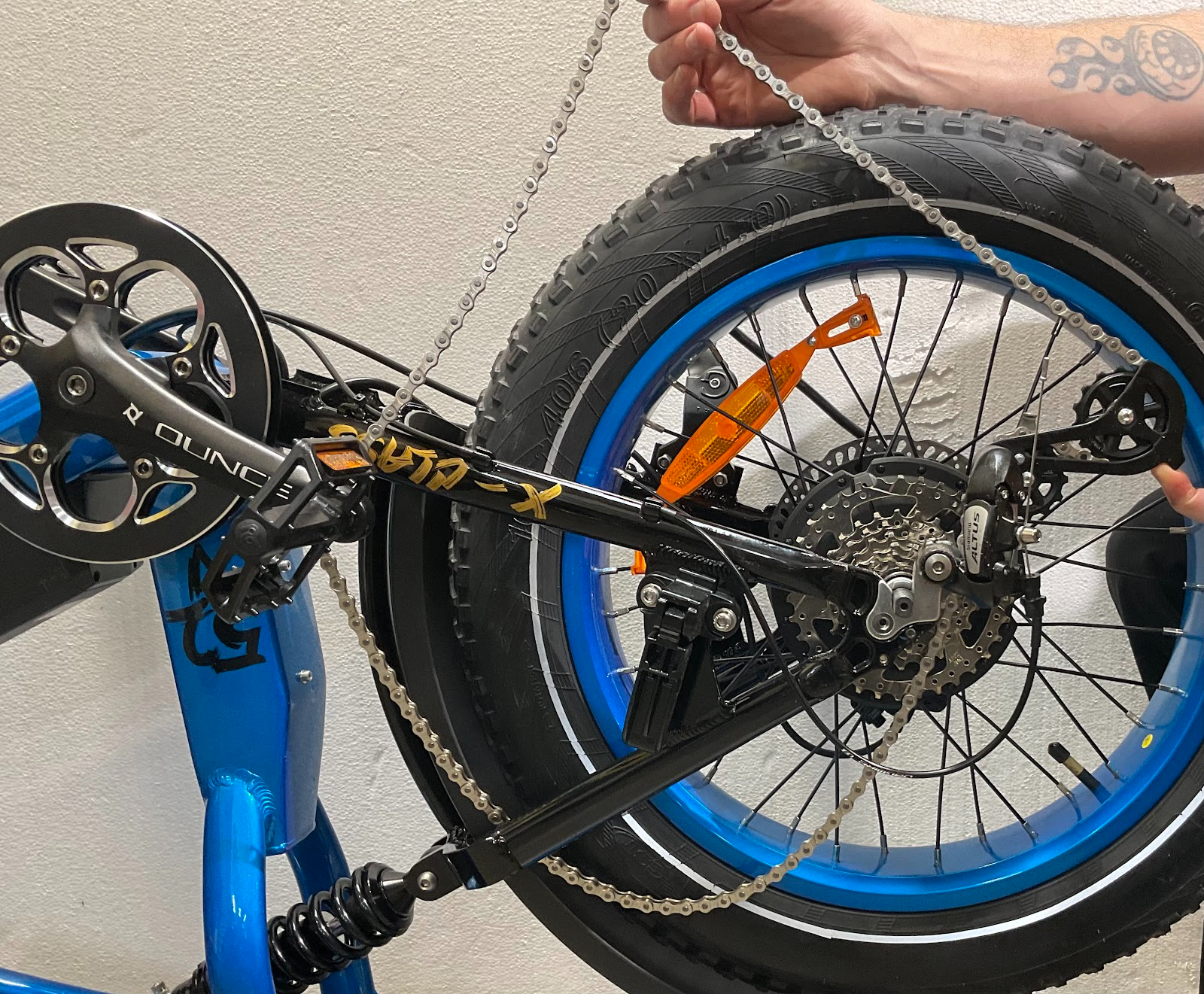
Push the derailleur body forward to create slack in the chain, then slip the chain off the front chainring and hook it over the pedal body to keep it out of the way.
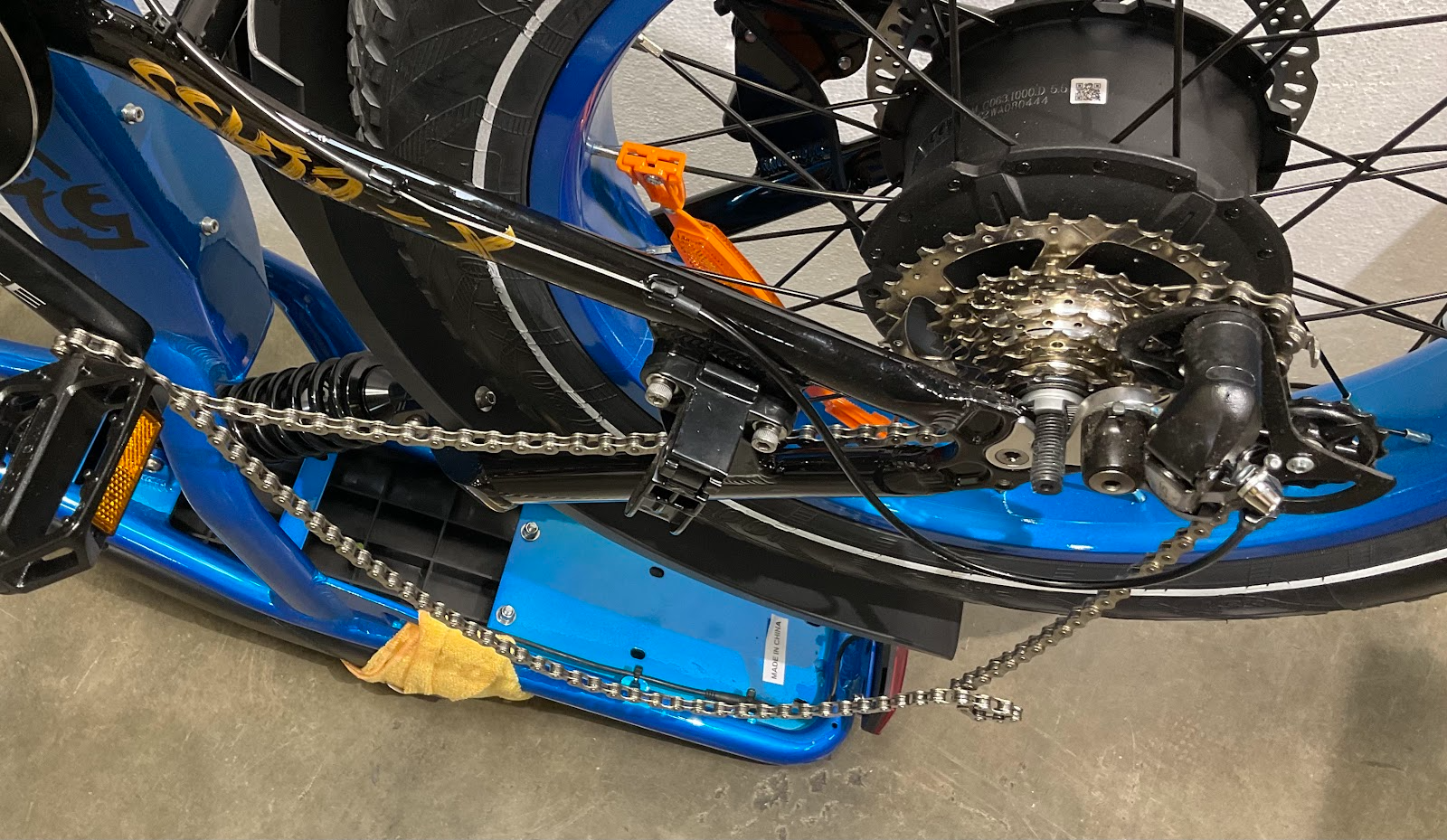
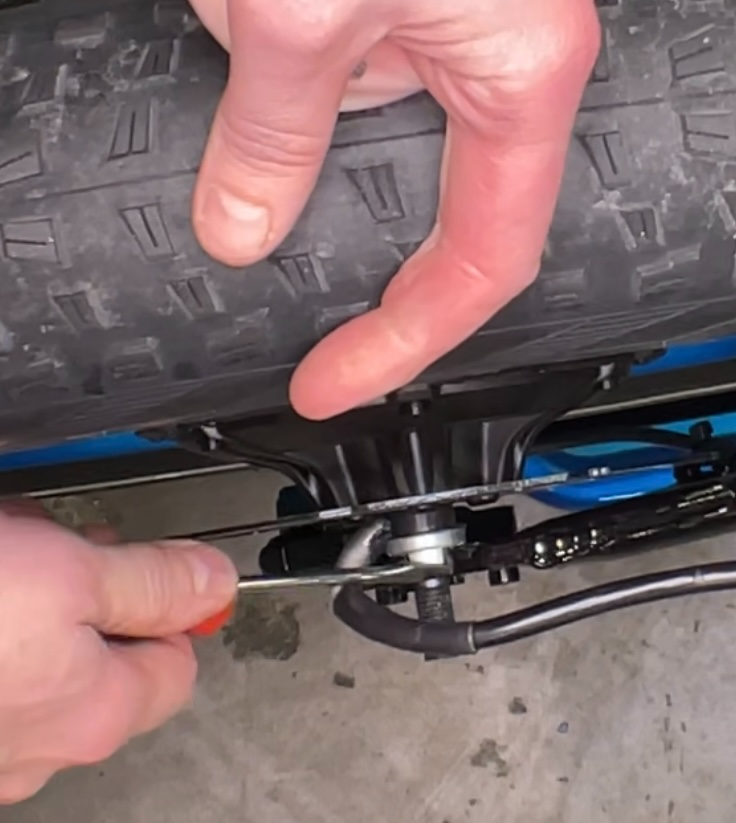
If the torque arm is tightly fitted, gently pry it off the frame dropout using a flathead screwdriver, taking care not to scratch the frame's finish.
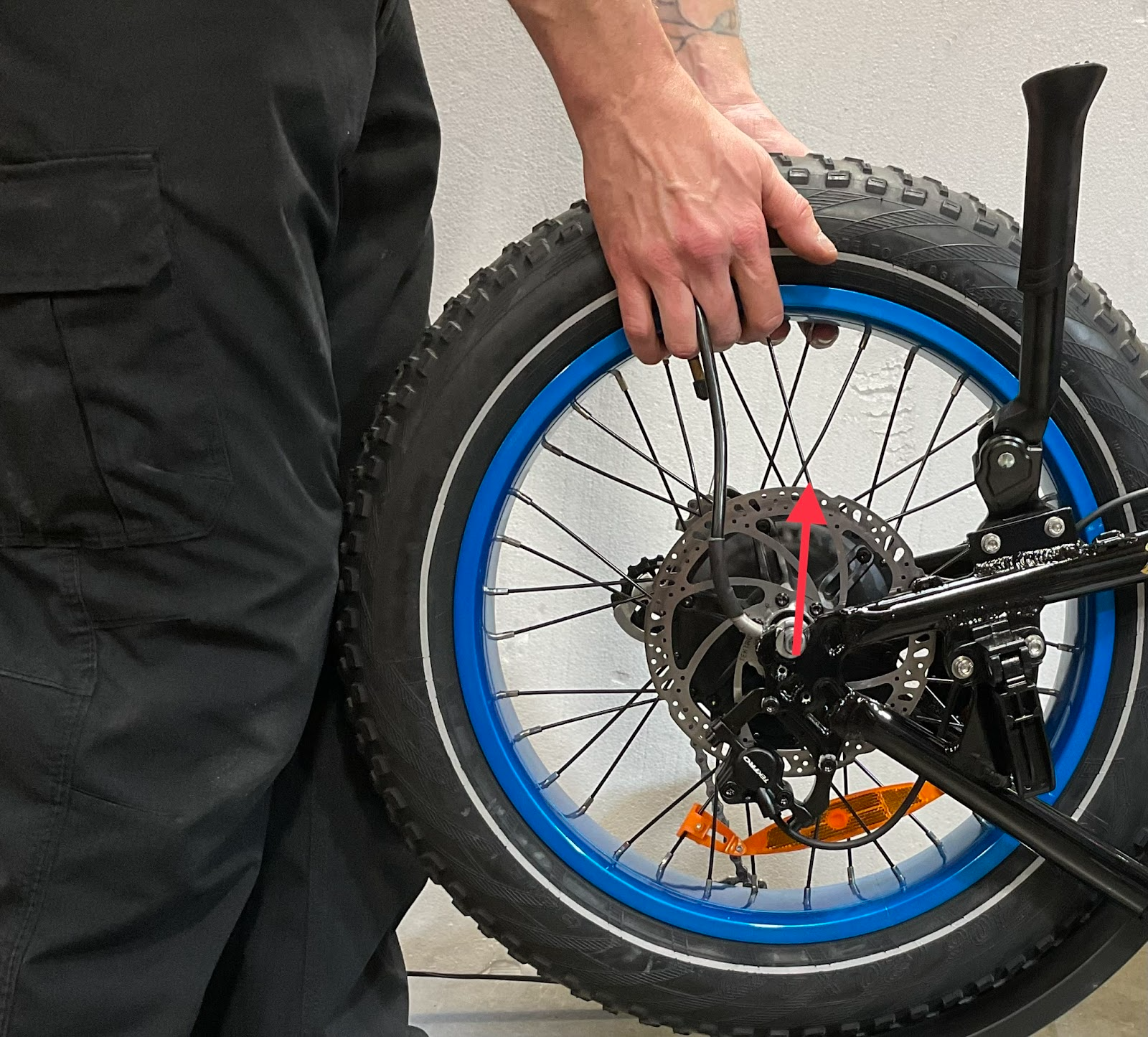
Lift the rear wheel straight up out of the frame dropouts.
Select the correct tool for your specific motor shell cover hardware (T25 Torx, 4mm Allen, or 3mm Allen wrench).
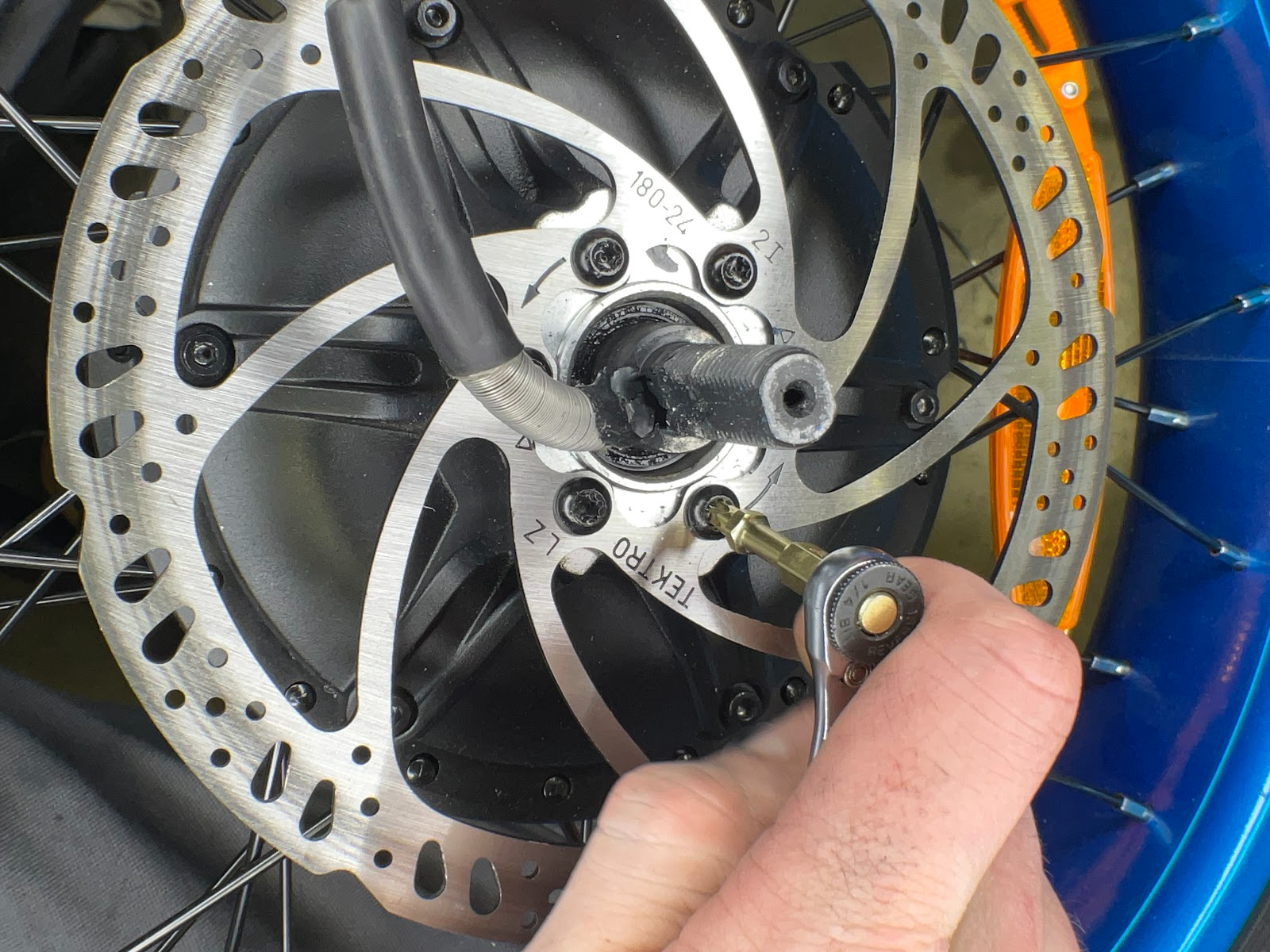
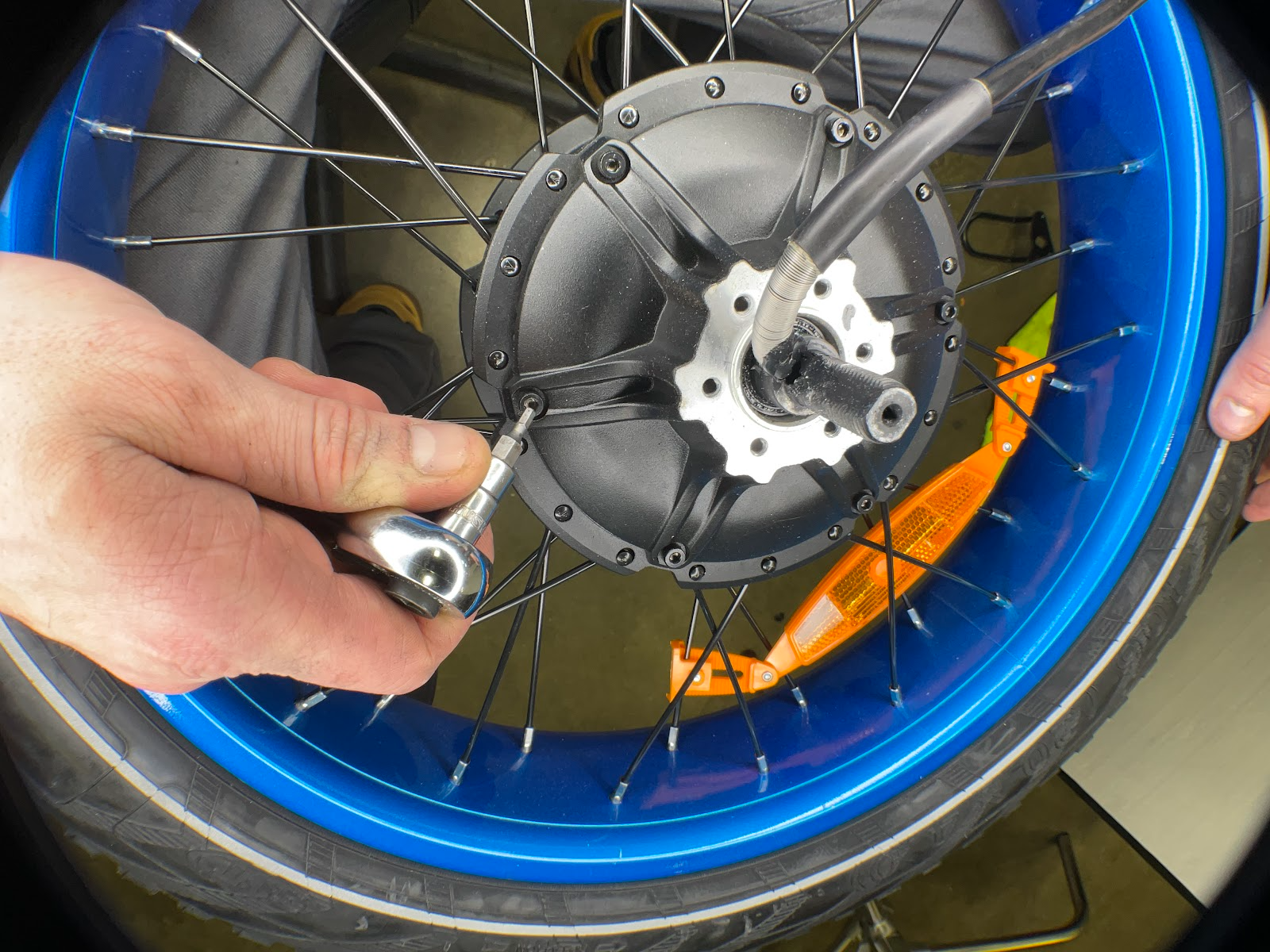
Unscrew and remove all motor shell cover bolts using the appropriate wrench.
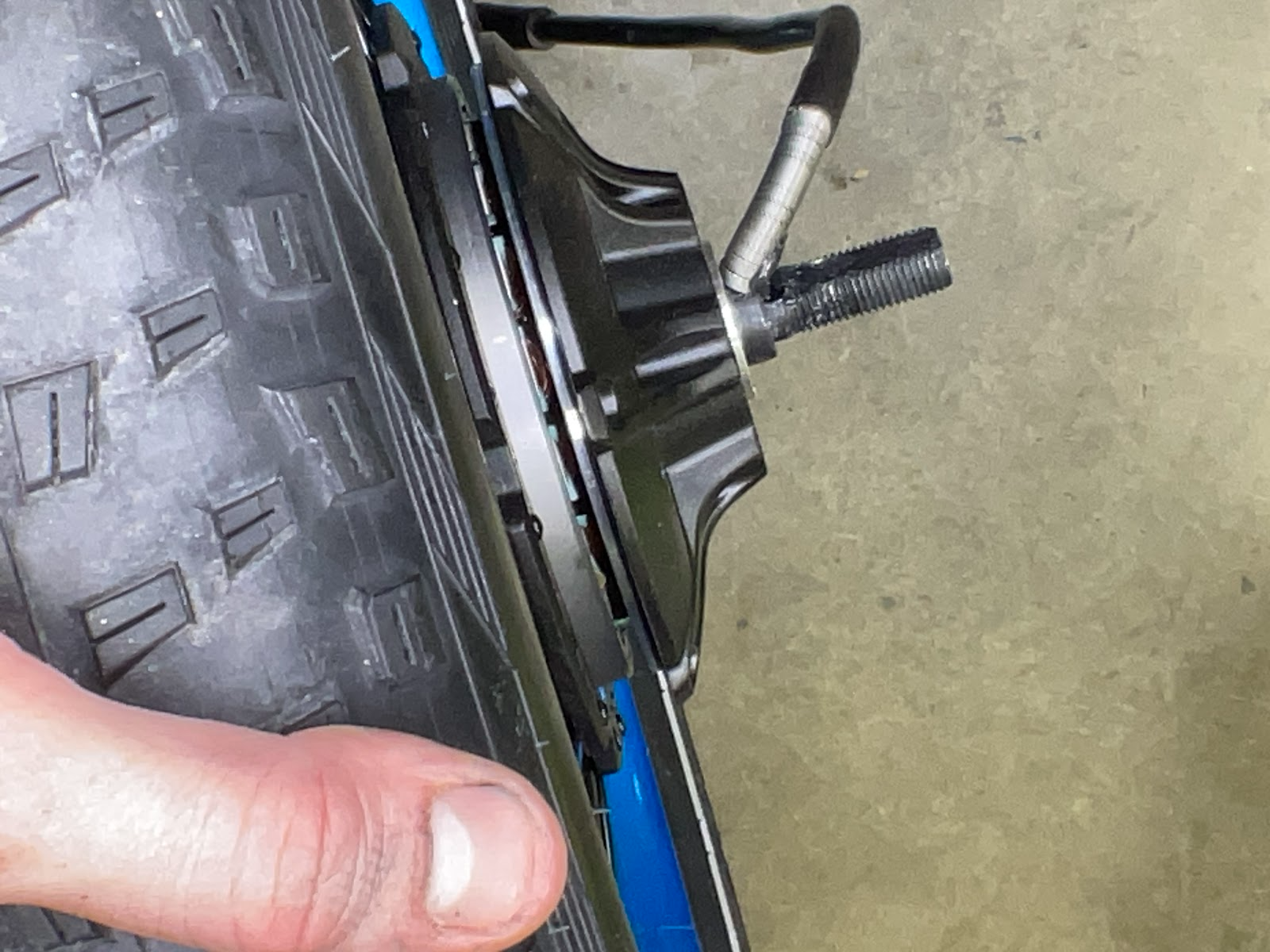
With all cover bolts removed, gently tap the axle end on the opposite side of the wheel using a soft mallet or block of wood to free the core. The core will begin sliding outward as shown below.
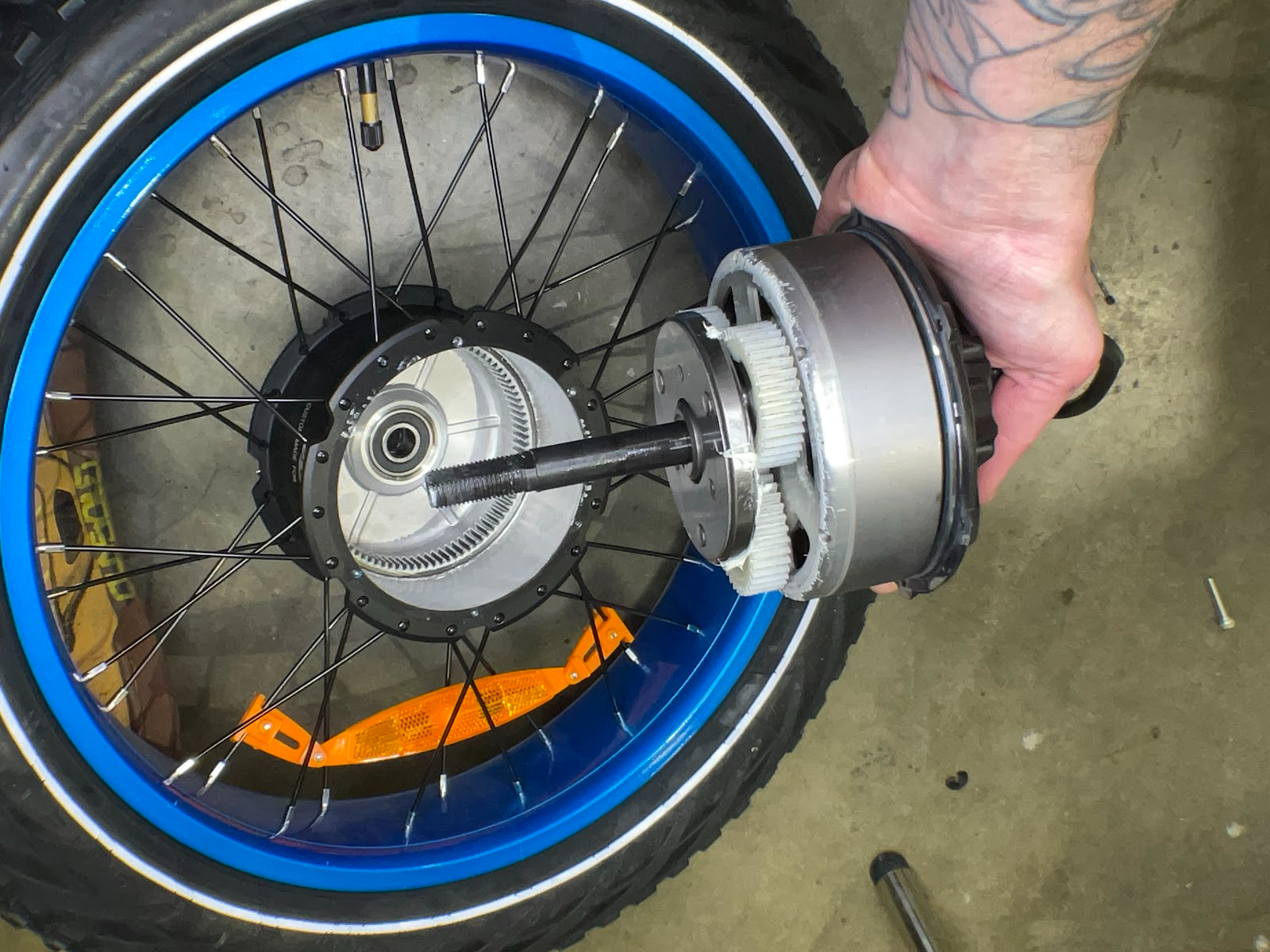
Carefully slide the motor core out of the casing. Ensure all components remaining on the axle (thrust washer, planetary gears, axle key, etc.) are kept organized and intact.
Apply a liberal layer of white lithium grease to coat the planetary gears fully.
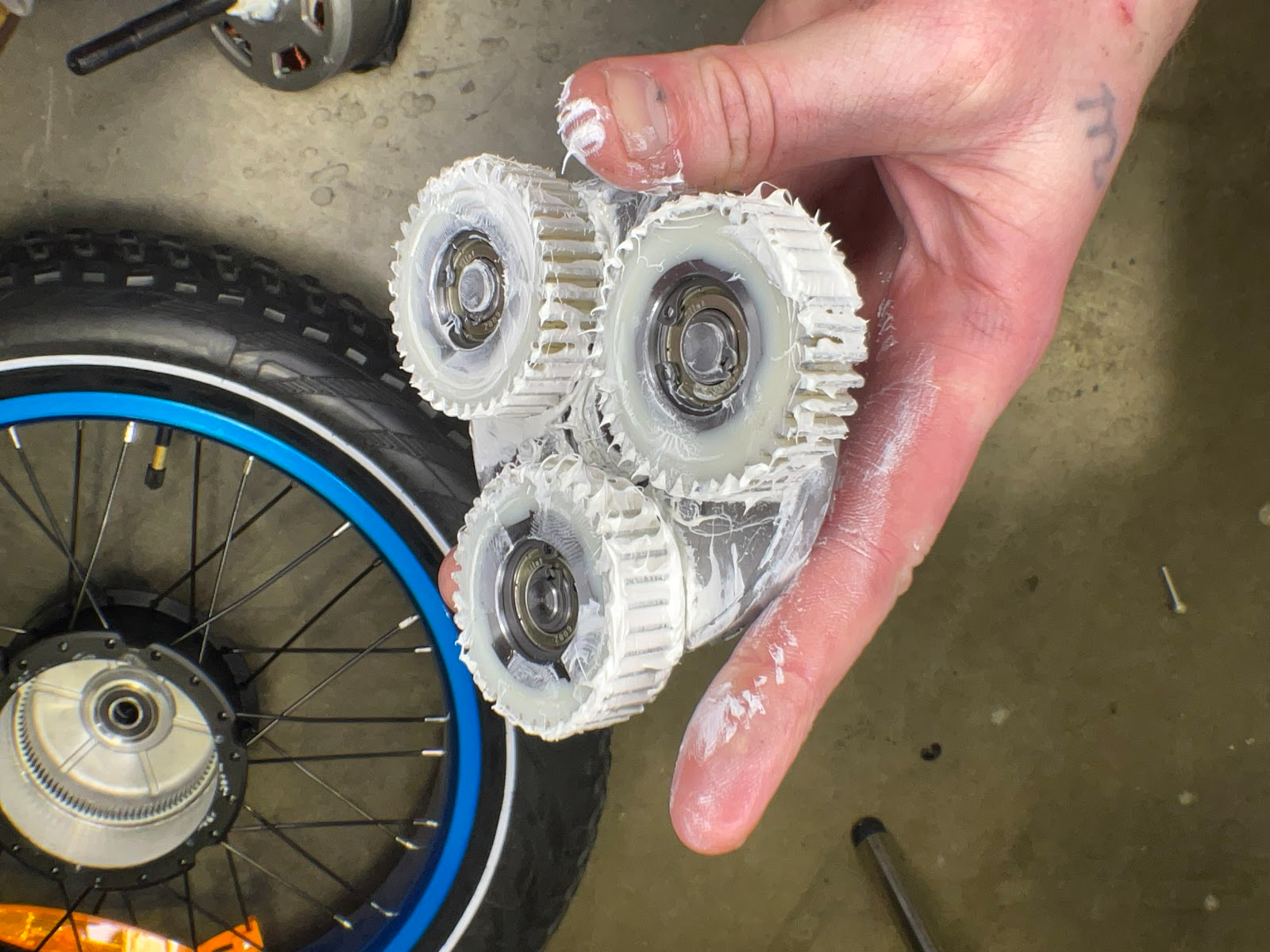
Inspect the axle key for any wear or damage. Insert the axle key firmly into its dedicated slot located above the center drive gear.
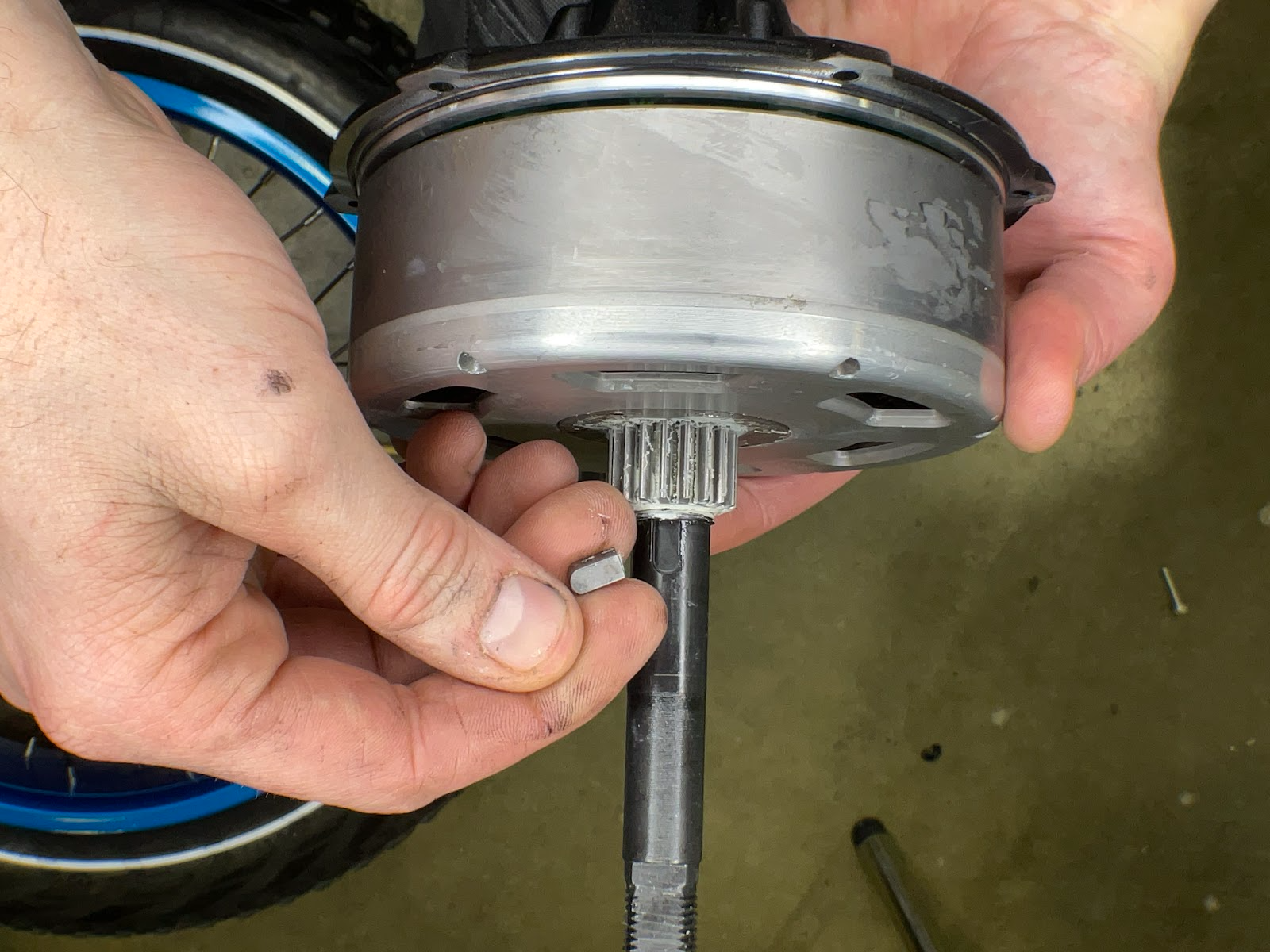
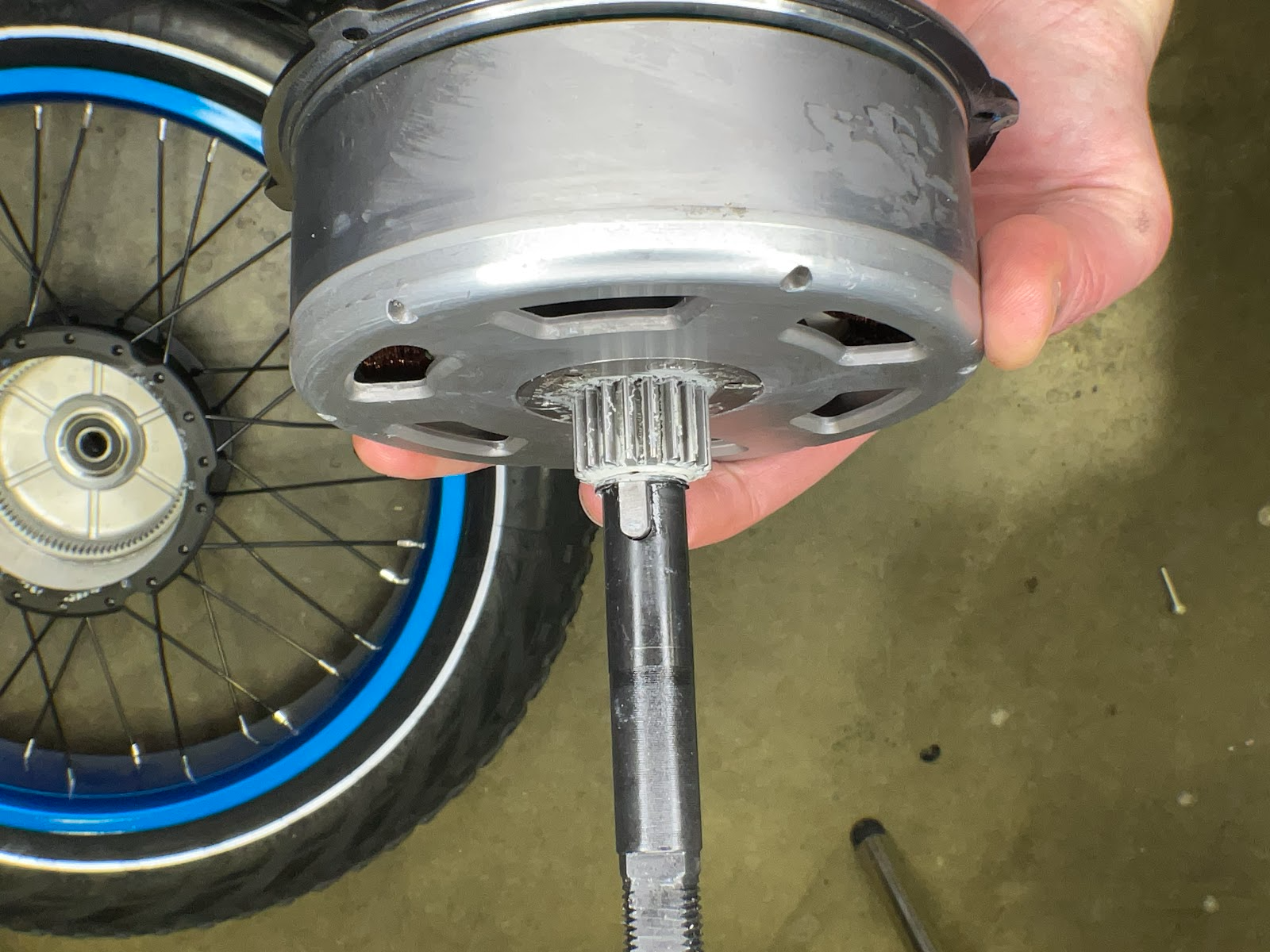
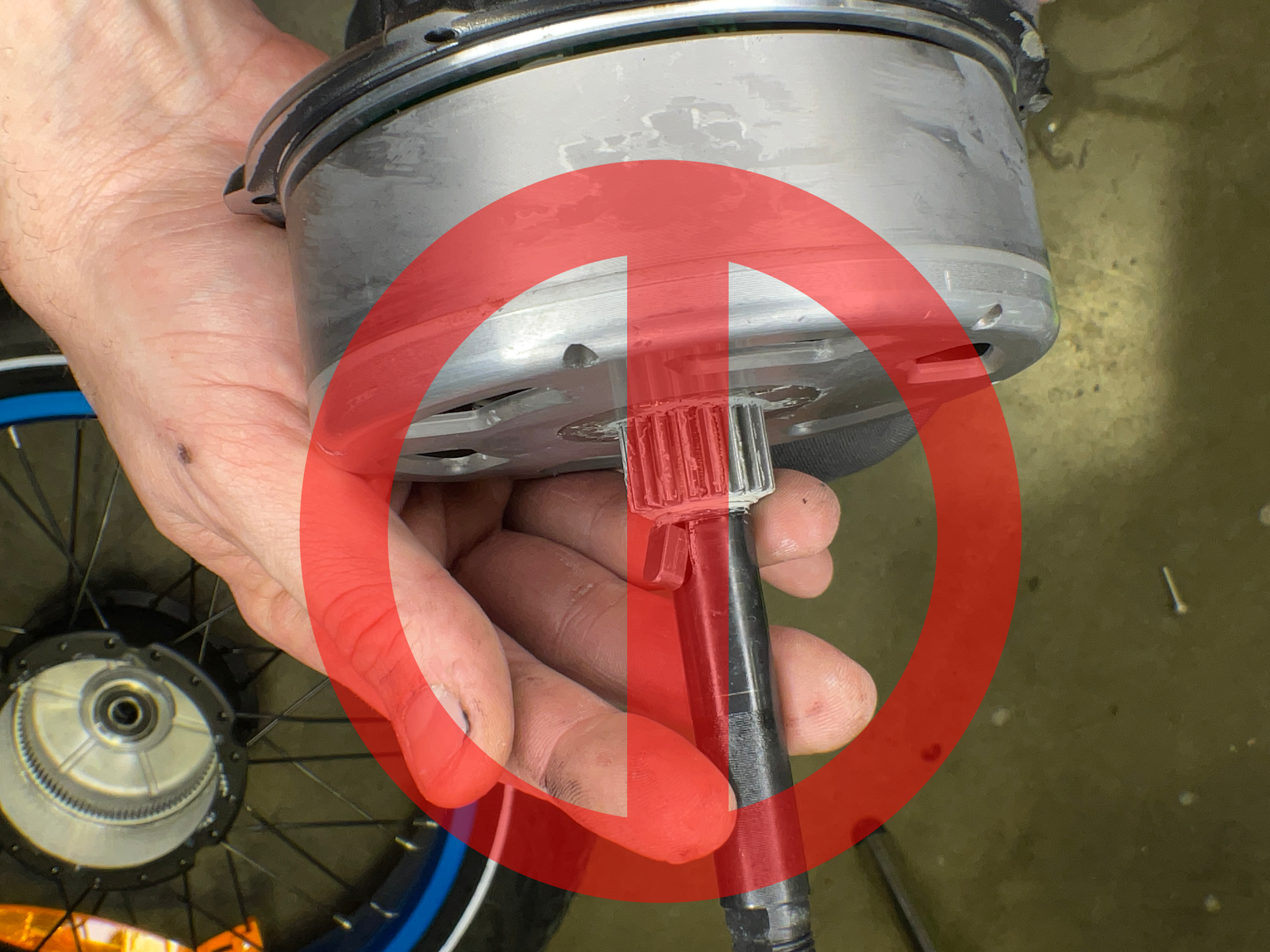
Apply white lithium grease thoroughly across all teeth of the center gear.
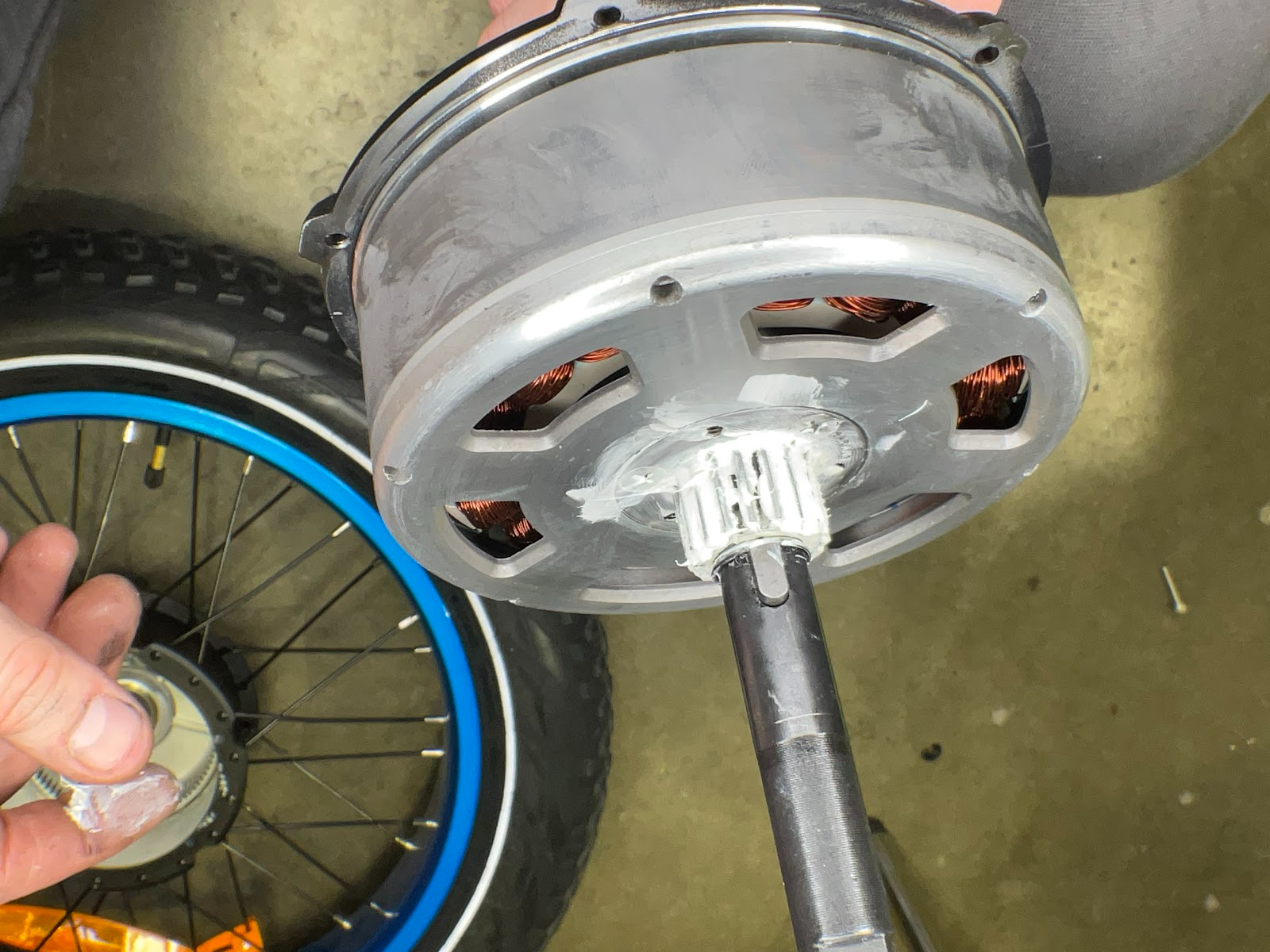
Slide the planetary gear assembly back into position on the axle, verifying that the axle key stays seated properly. Wipe away any excess grease from the stator or clutch surfaces.
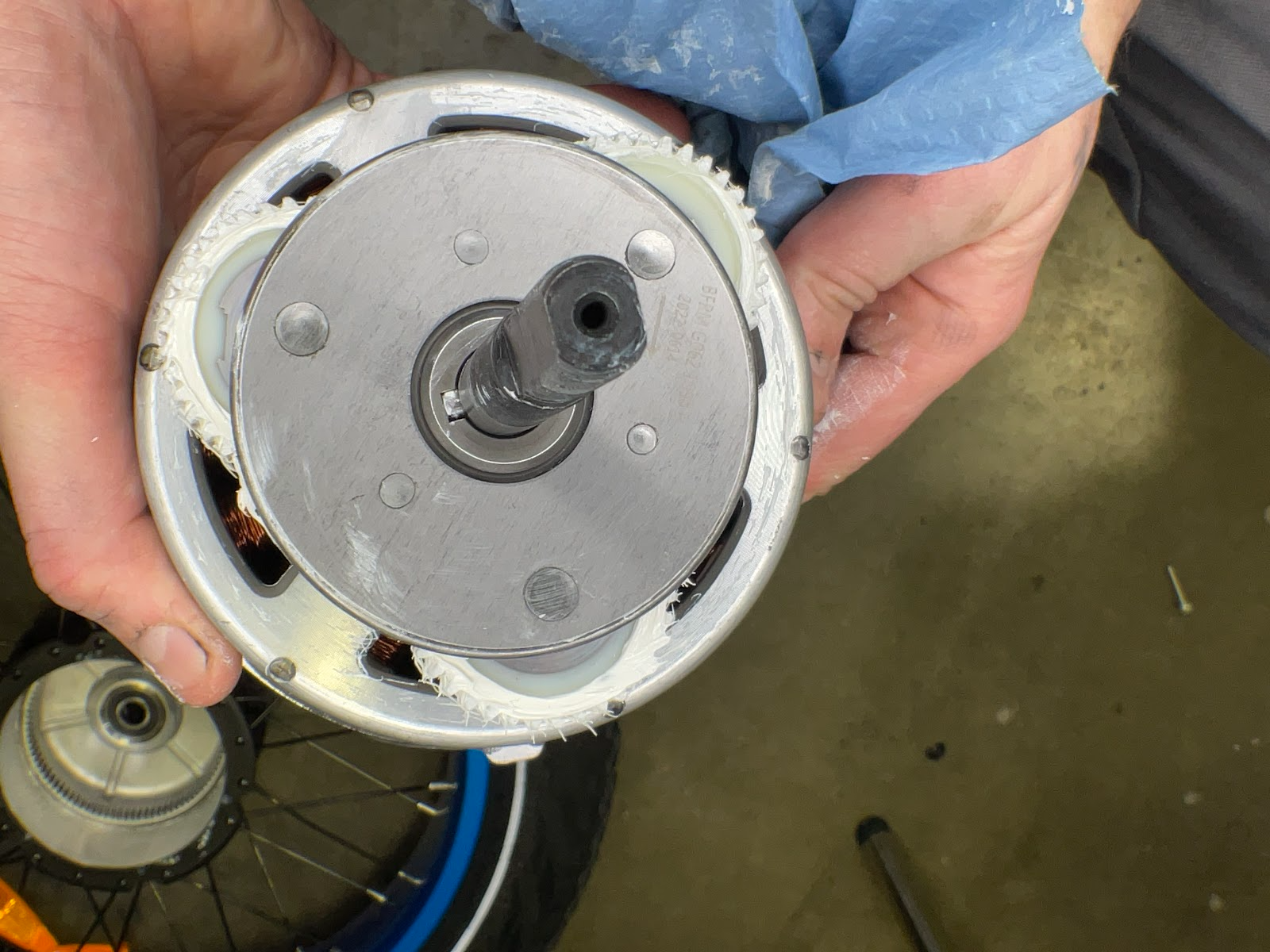
Slide the thrust washer back onto the axle shaft.
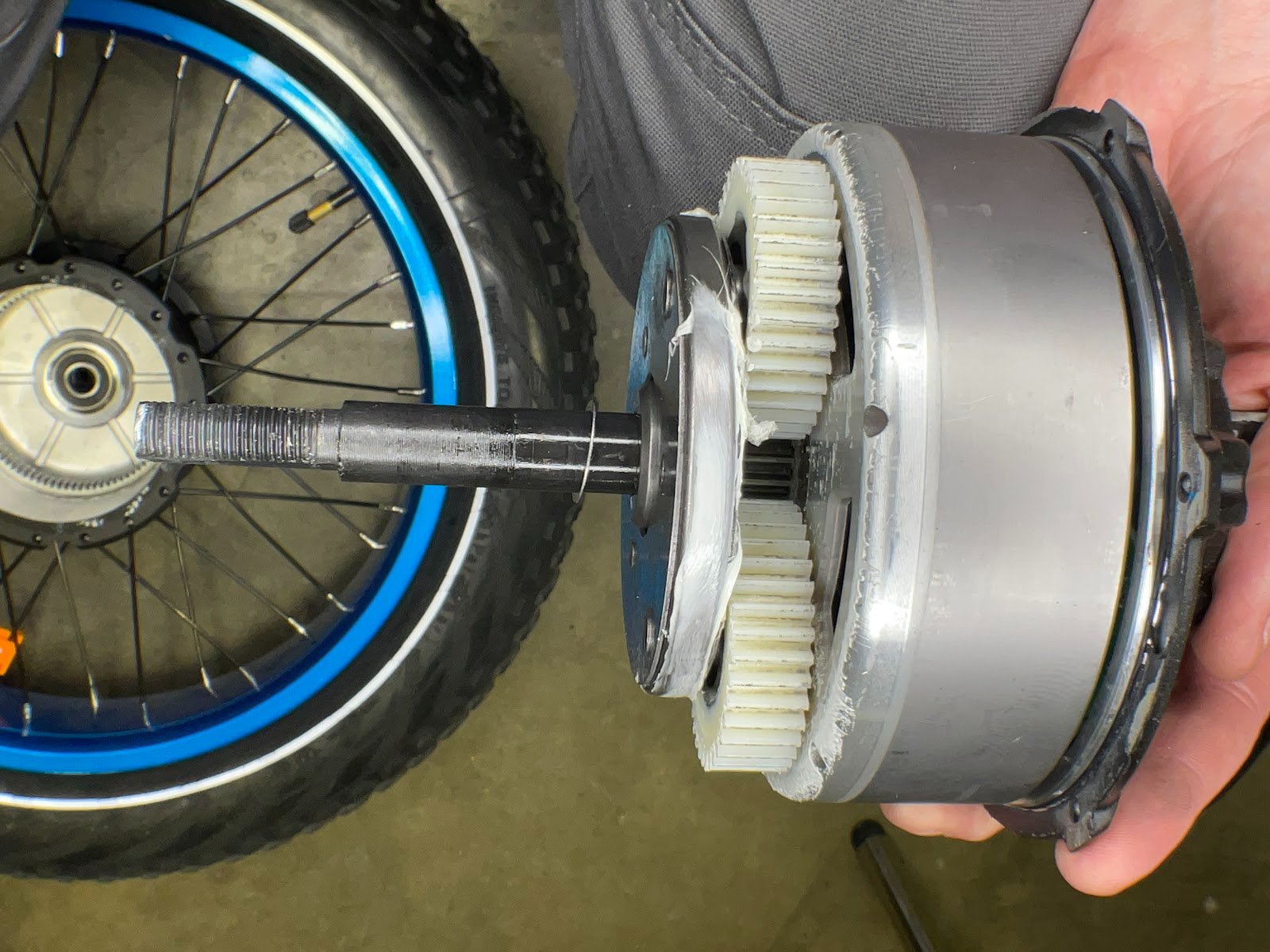
Hold the wheel vertically while reinstalling the motor core to prevent the thrust washer, planetary gears, or axle key from slipping out of place.
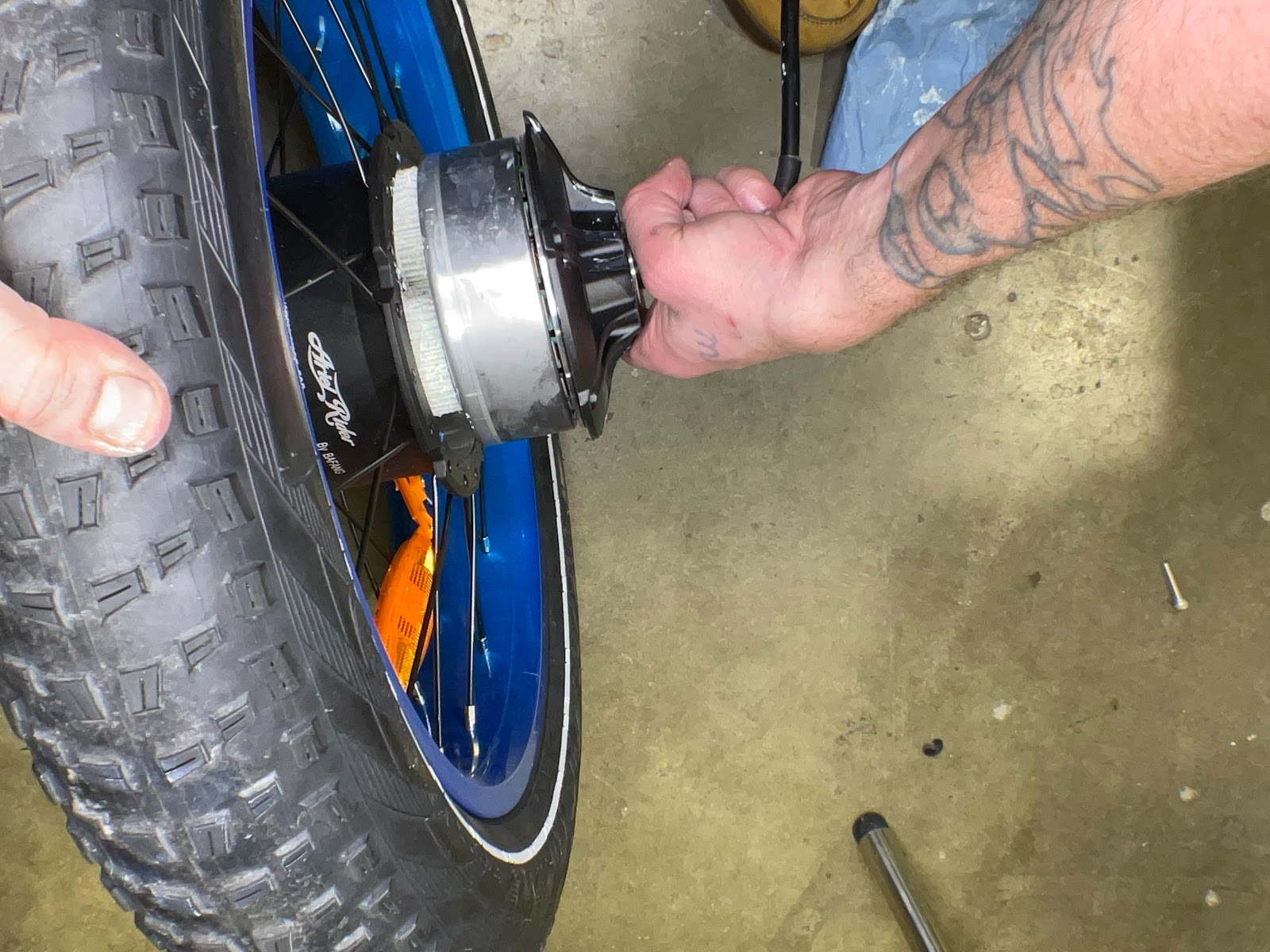
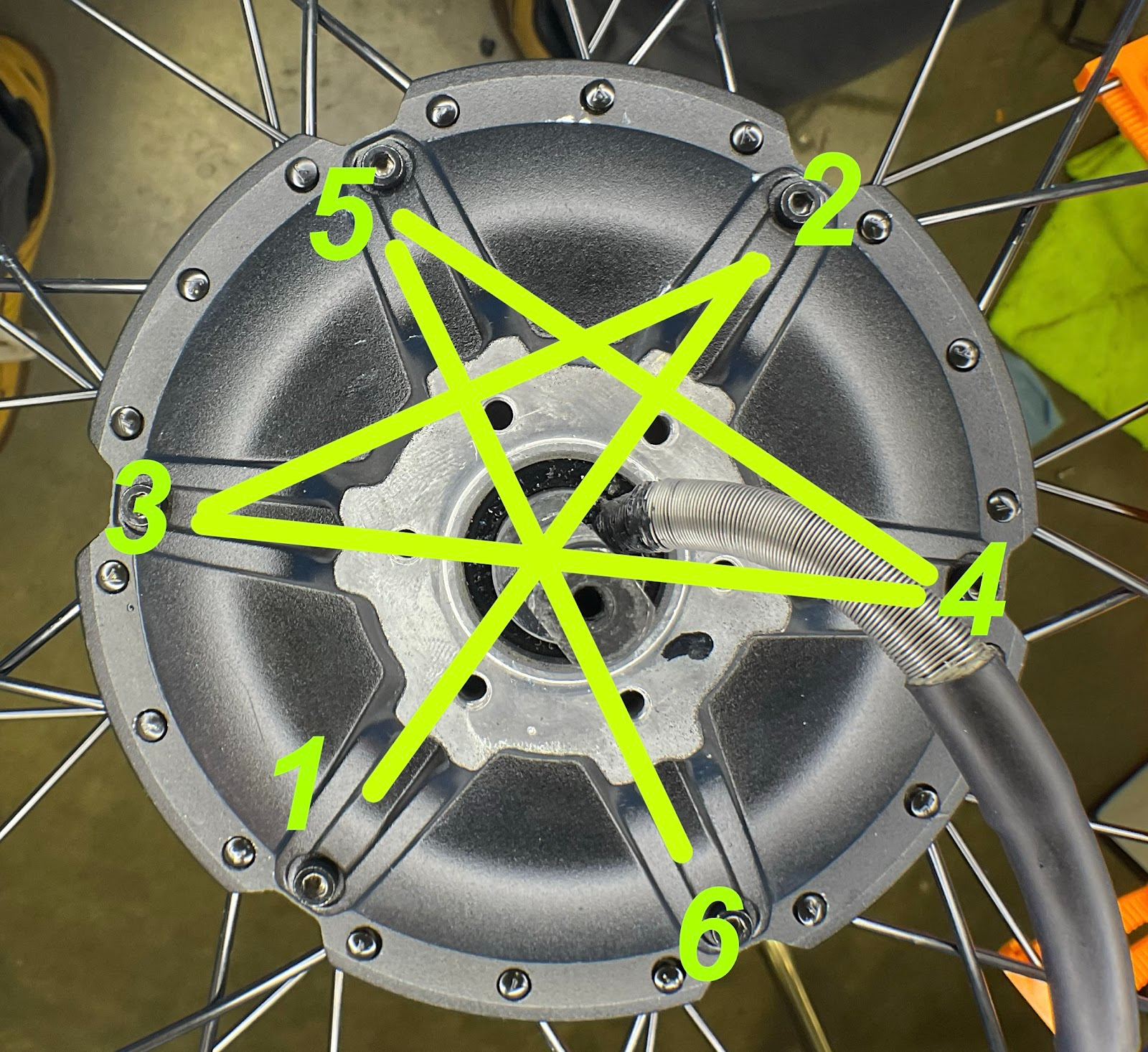
Reinstall the cover bolts in a star (cross) pattern as illustrated below to ensure even pressure. Torque each bolt to 2–3 Nm.
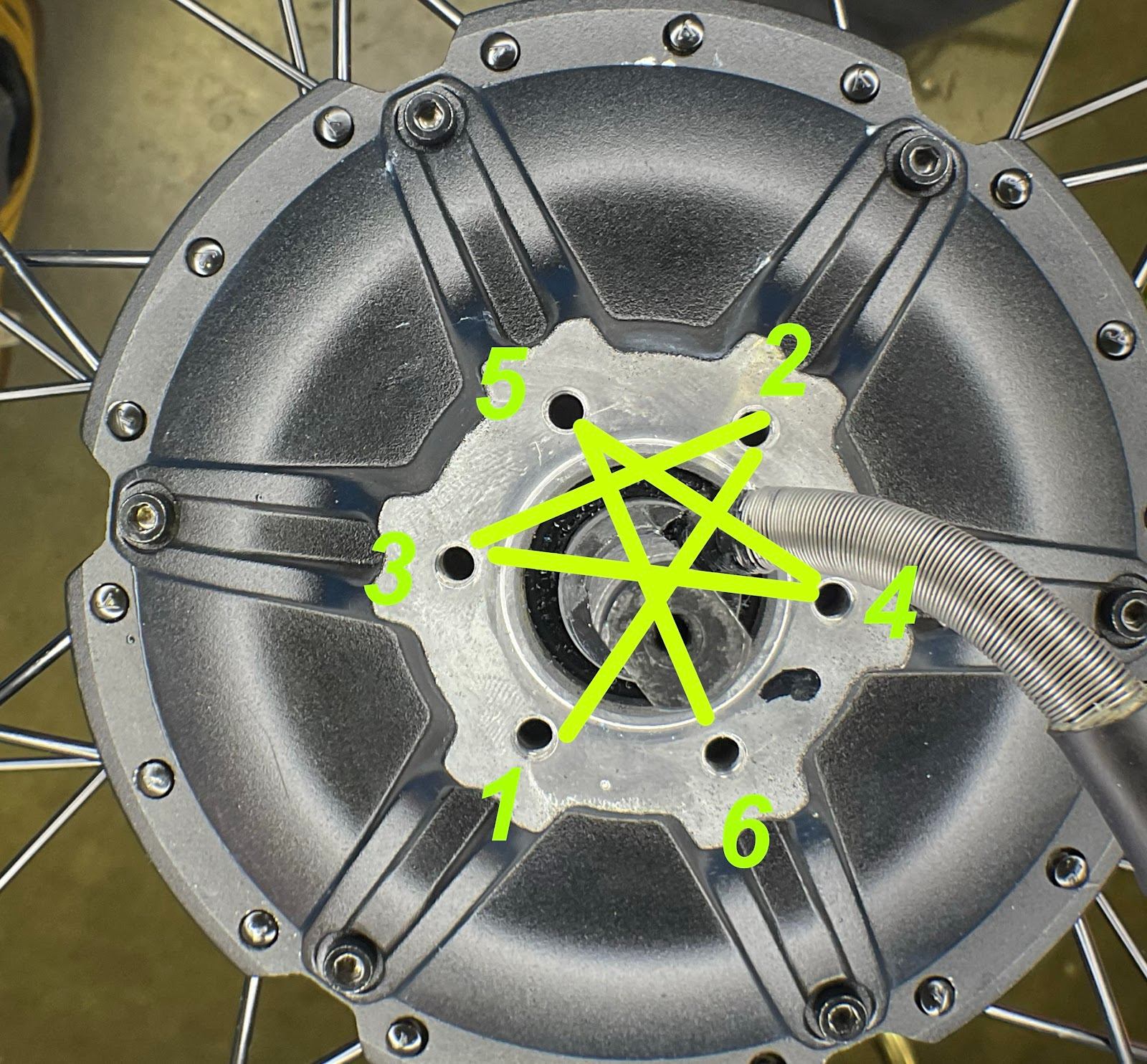
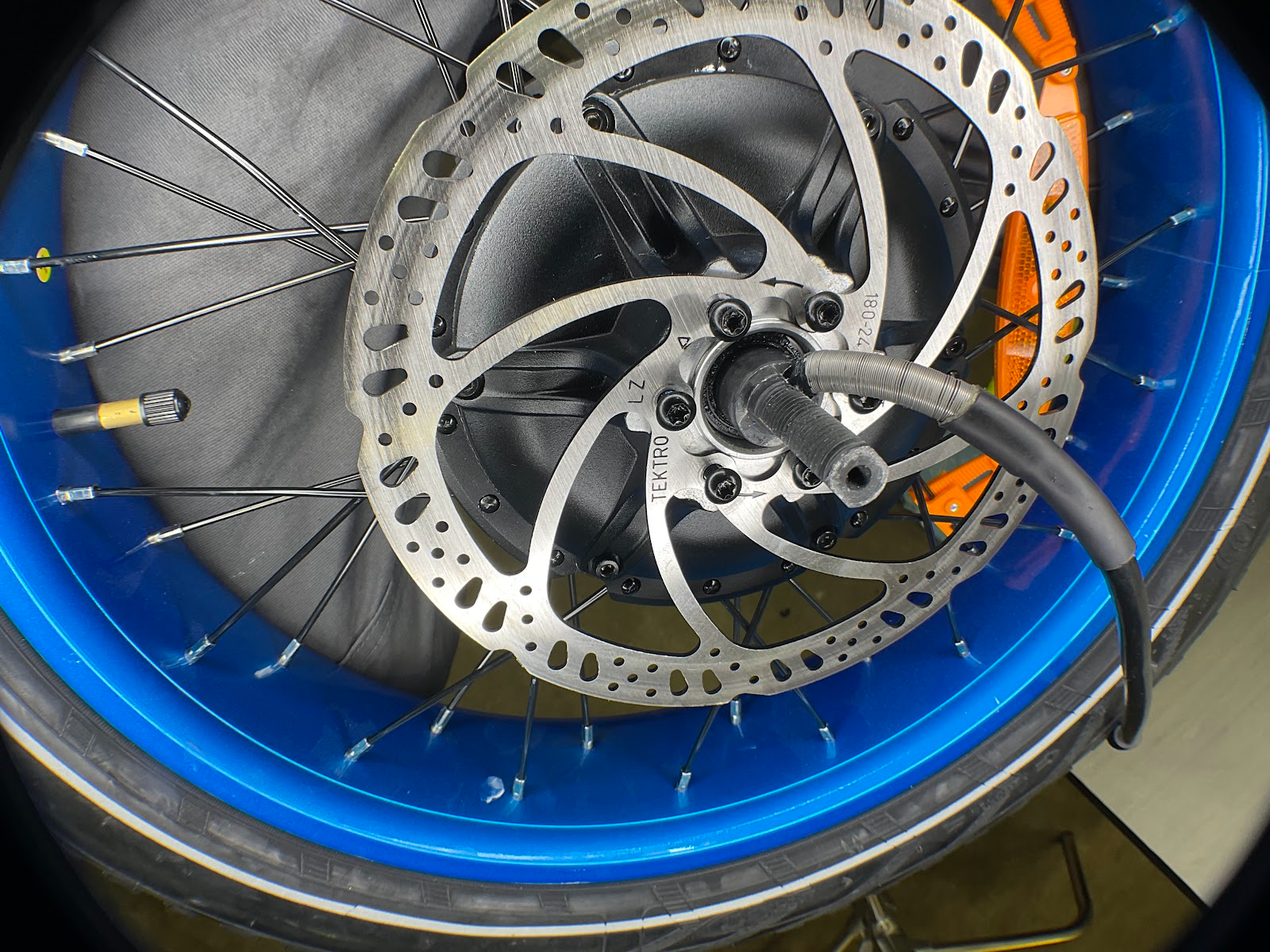
Reinstall the brake rotor bolts using a star pattern and torque each bolt to 5–6 Nm. Ensure the laser-etched text on the rotor is facing outward (away from the motor).
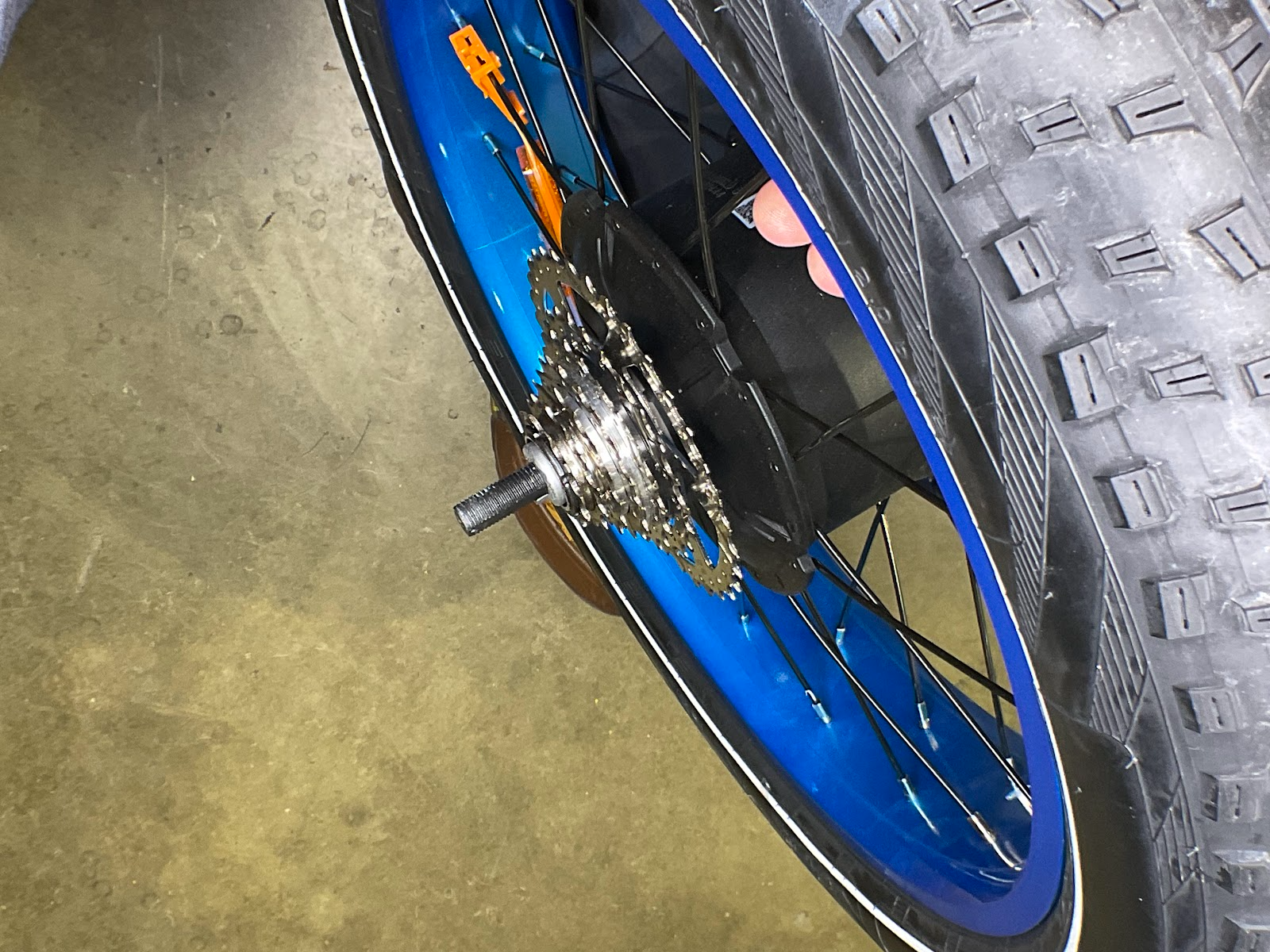
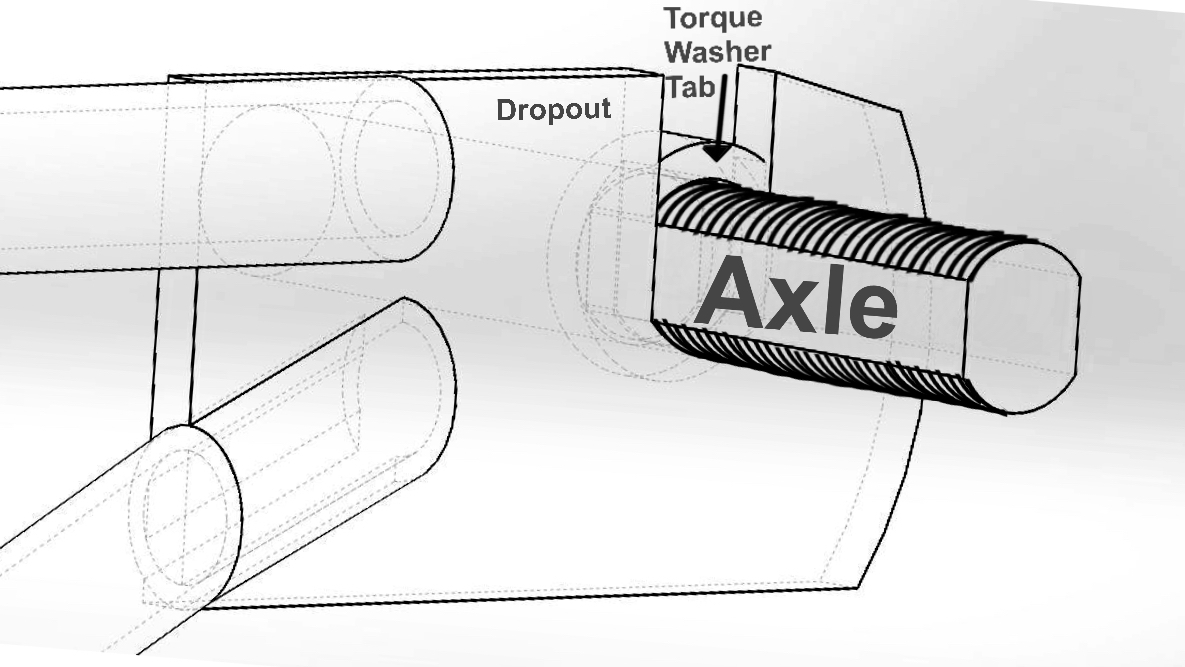
Place torque washers on both sides of the axle, ensuring the retention tabs face away from the hub body.
Verify that your brake pads inside the caliper are separated enough to allow the brake rotor to slide easily between them.
Warning: Do not squeeze the brake levers while the wheel is removed, as this will force the hydraulic pads shut.
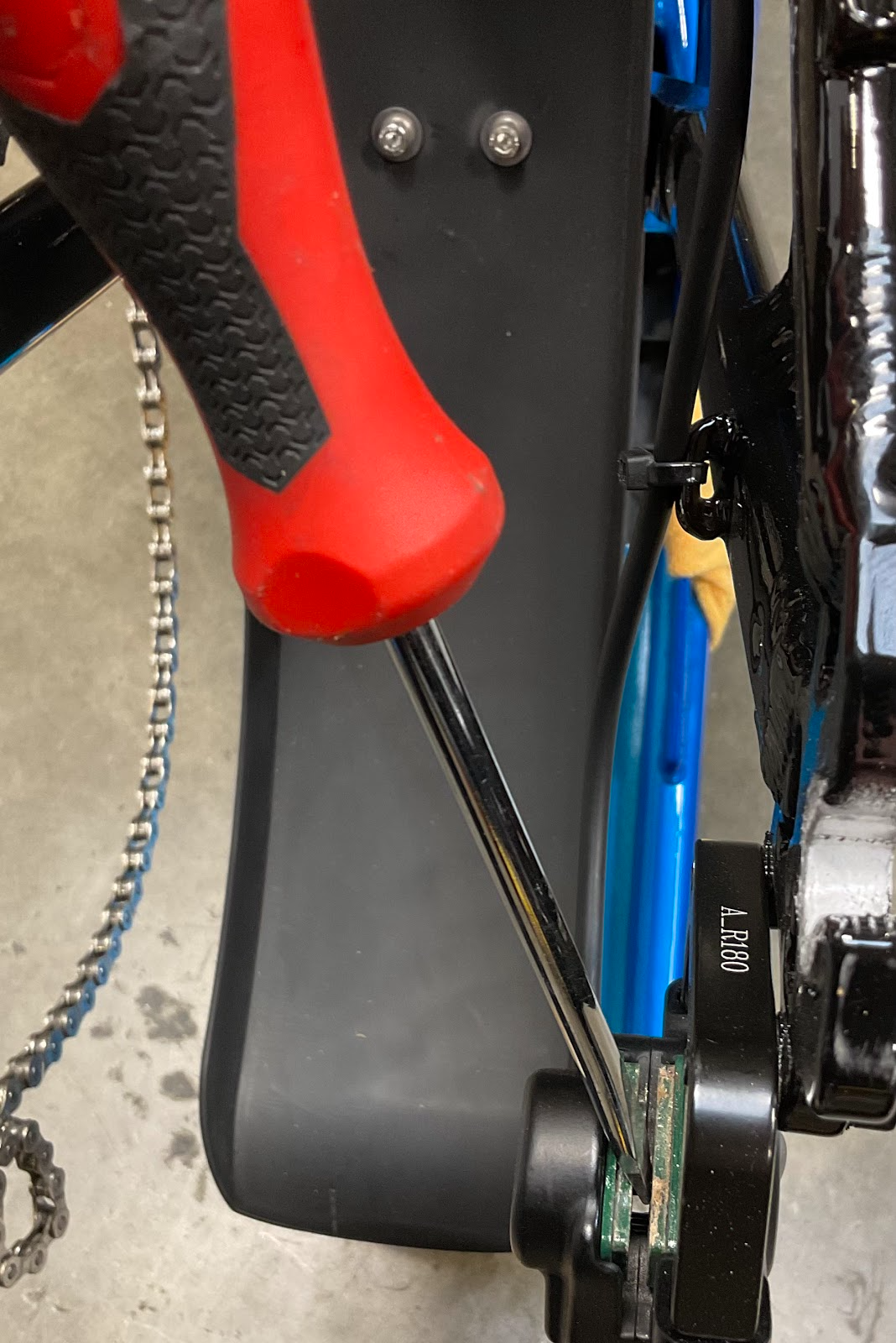

Confirm that both torque washers are positioned on the inside of the frame dropouts with their anti-rotation tabs pointing outward into the dropout slots.
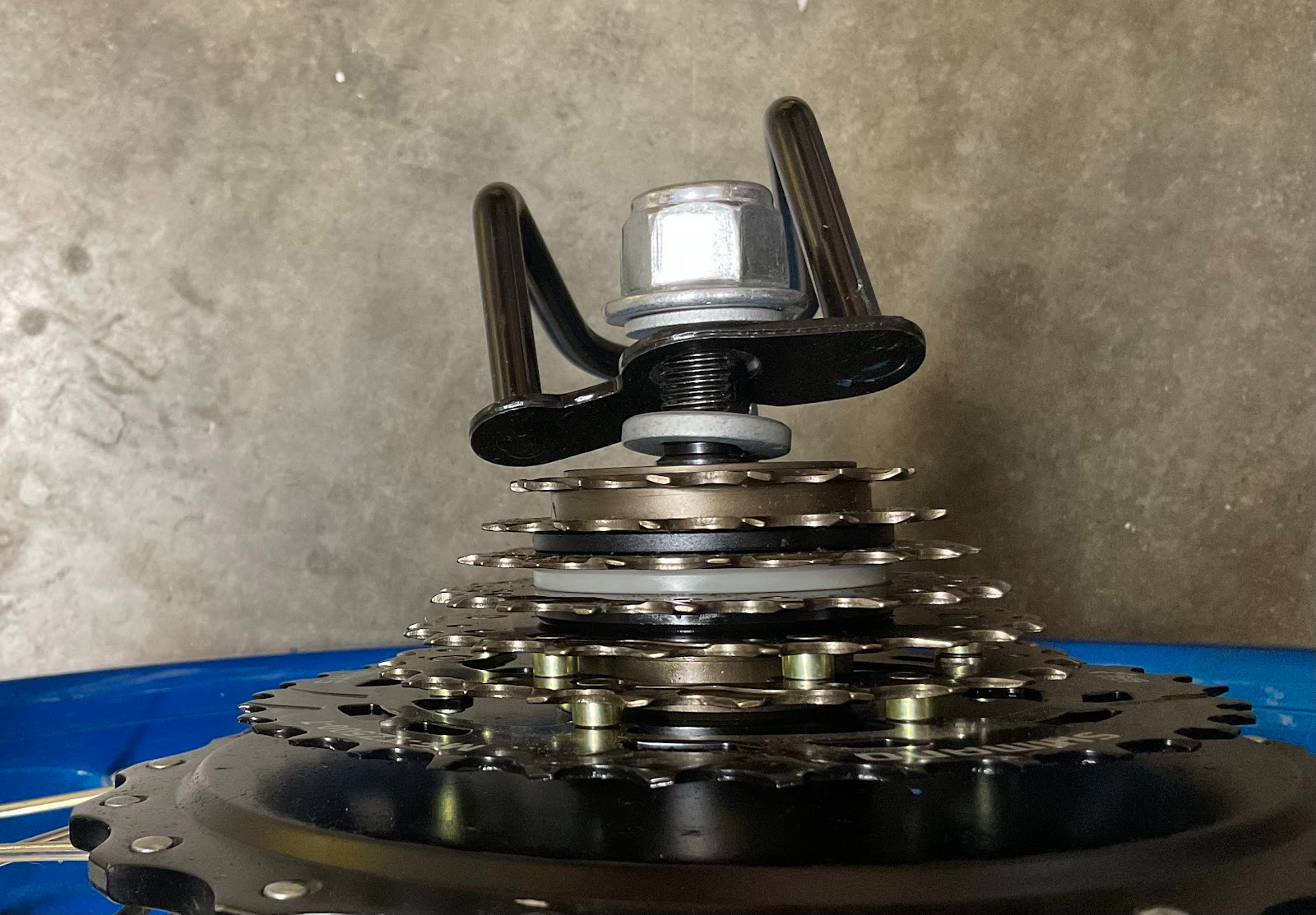
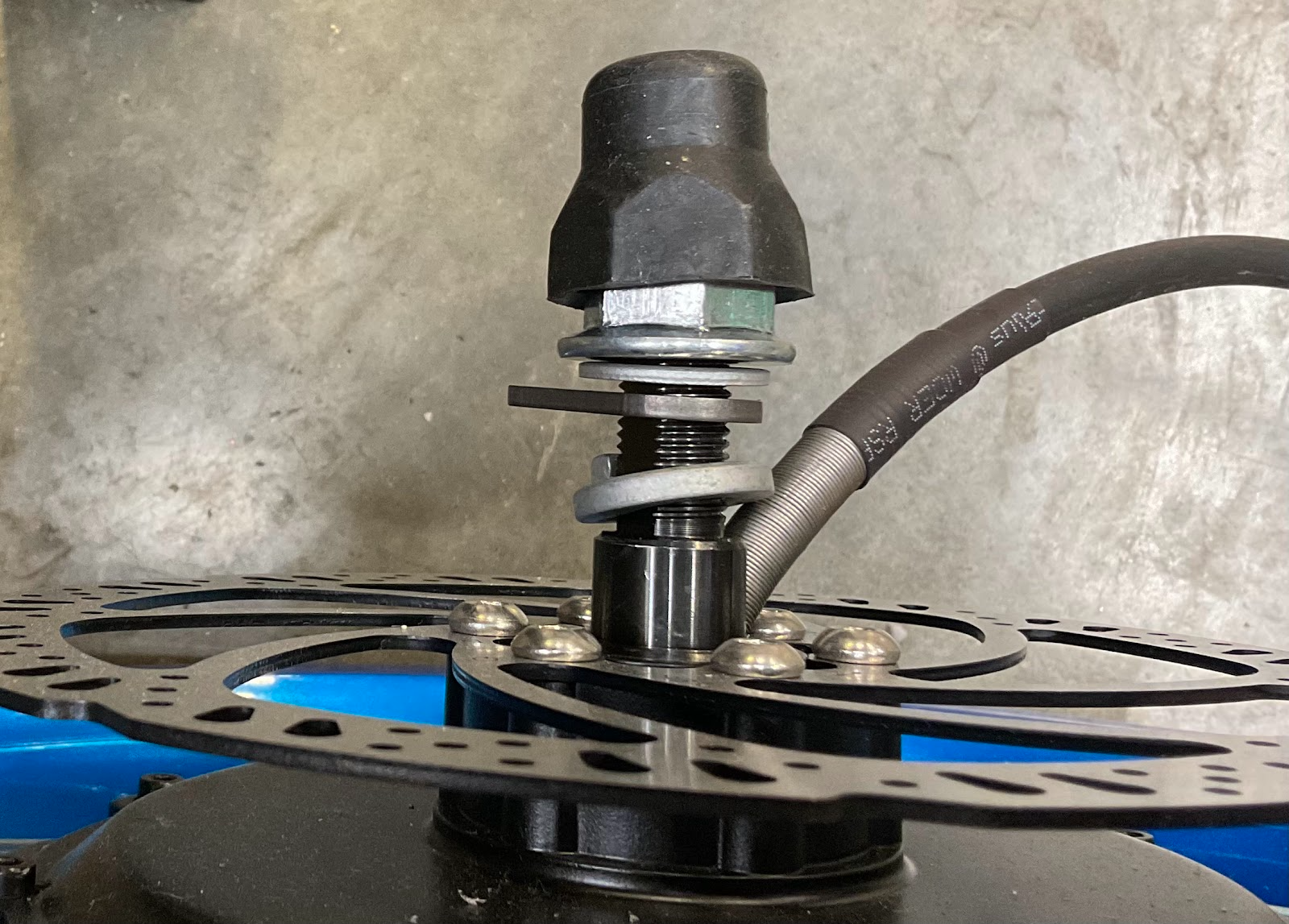
Lower the wheel assembly into the dropouts, ensuring the axle sits fully seated in the slots and the brake rotor glides centered between the brake pads.
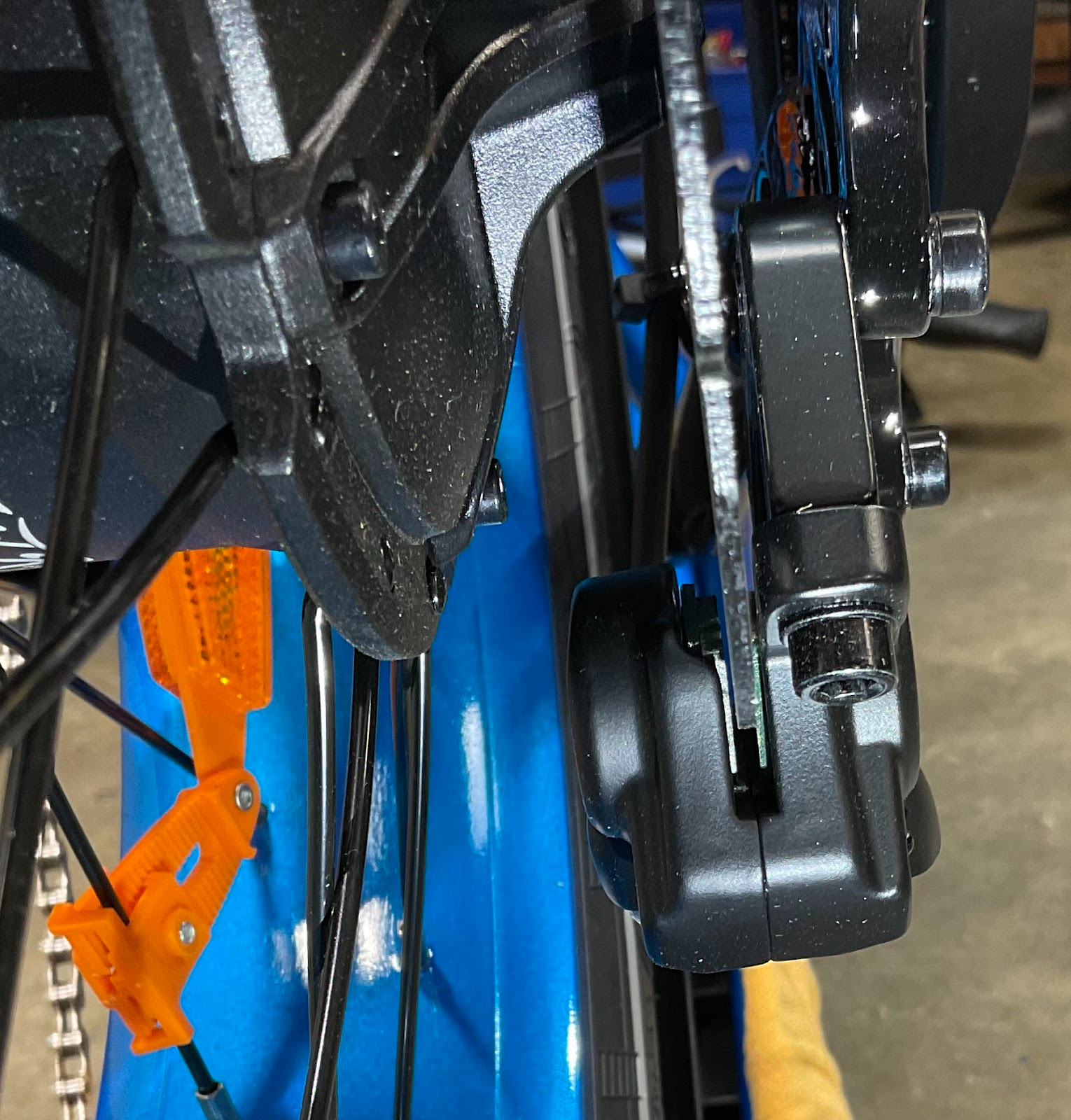
Align the drive chain onto the 7th gear (smallest sprocket).
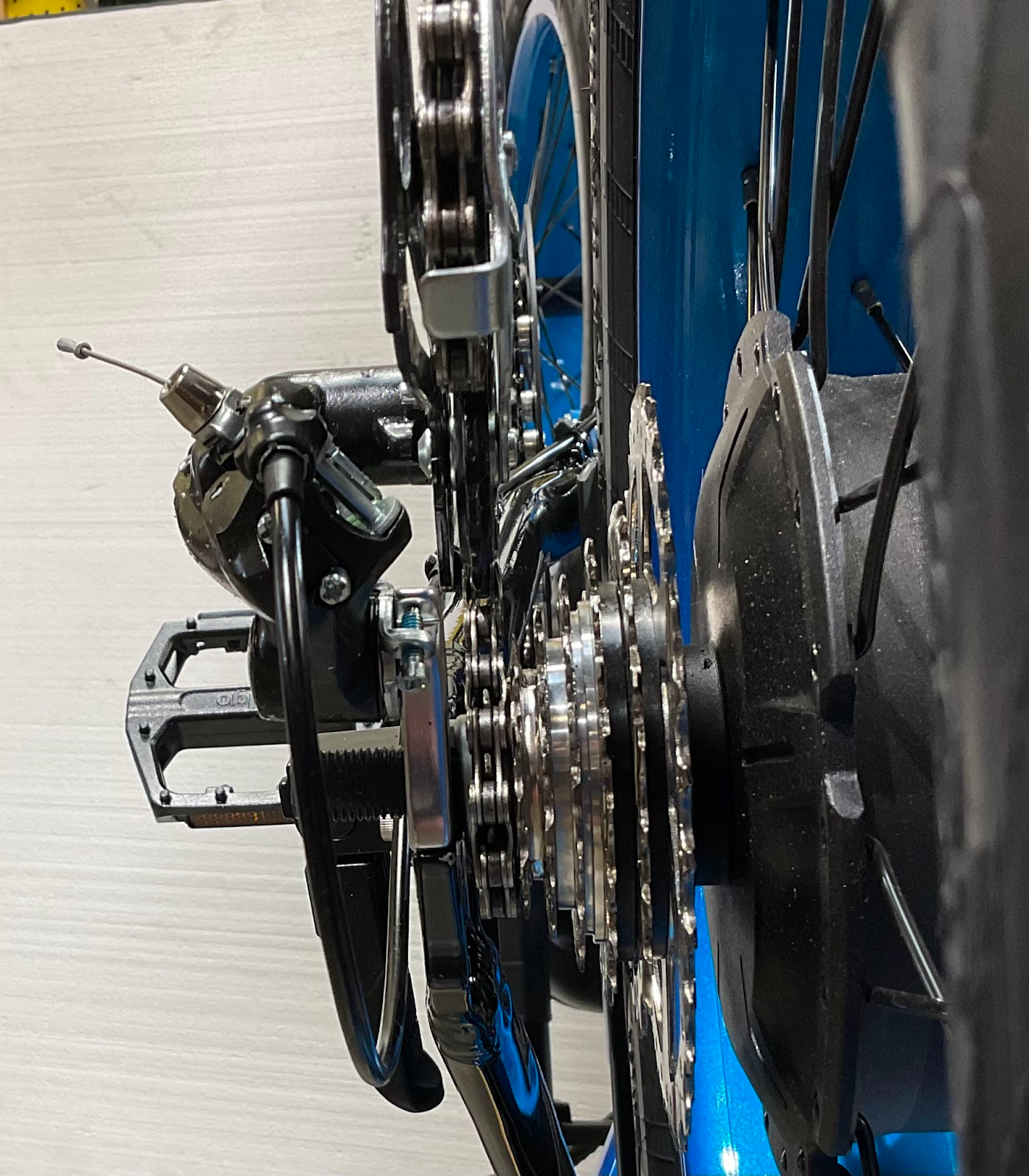
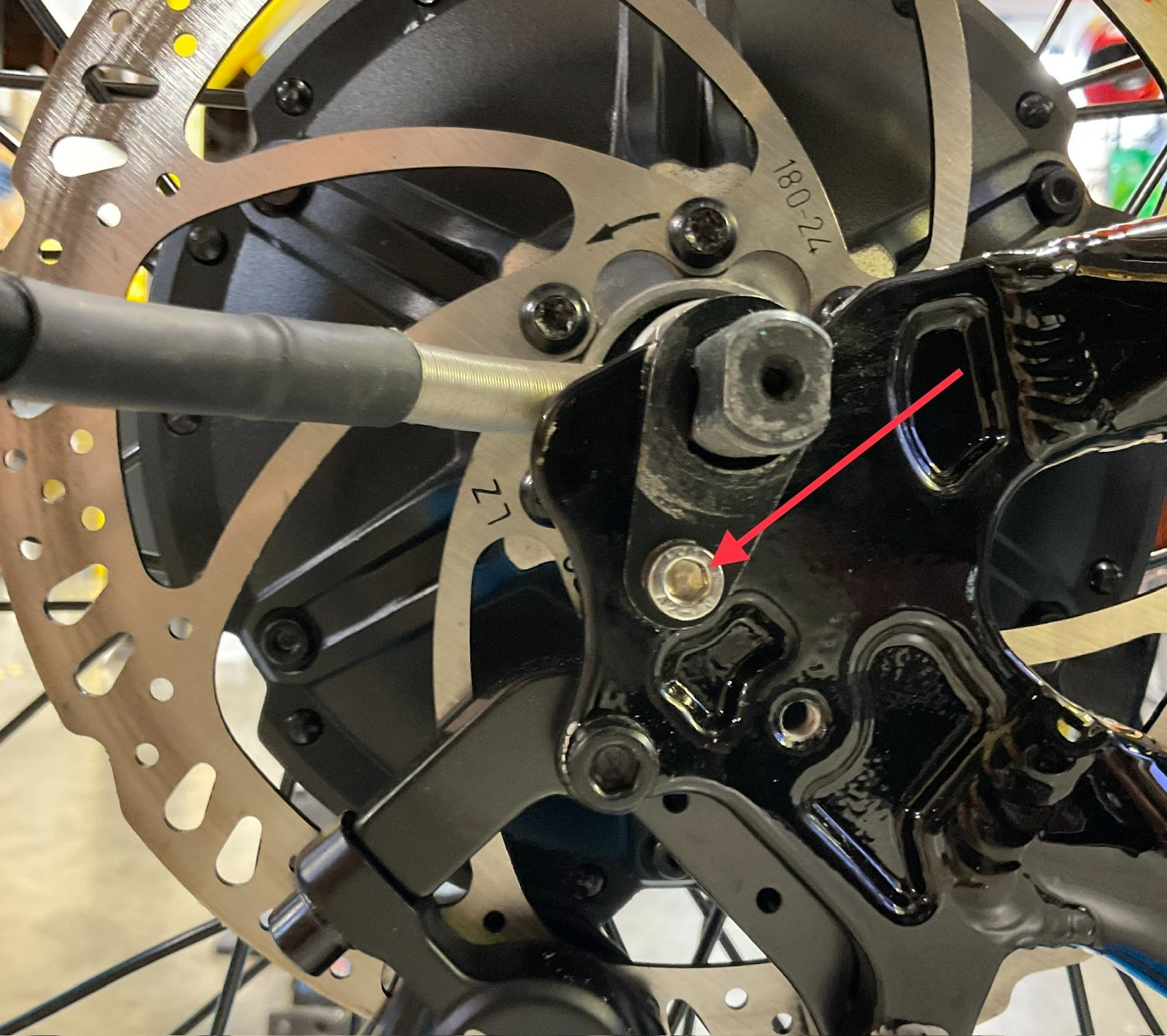
With the wheel fully seated, secure the torque arm using an M5 bolt and a 4mm Allen wrench.
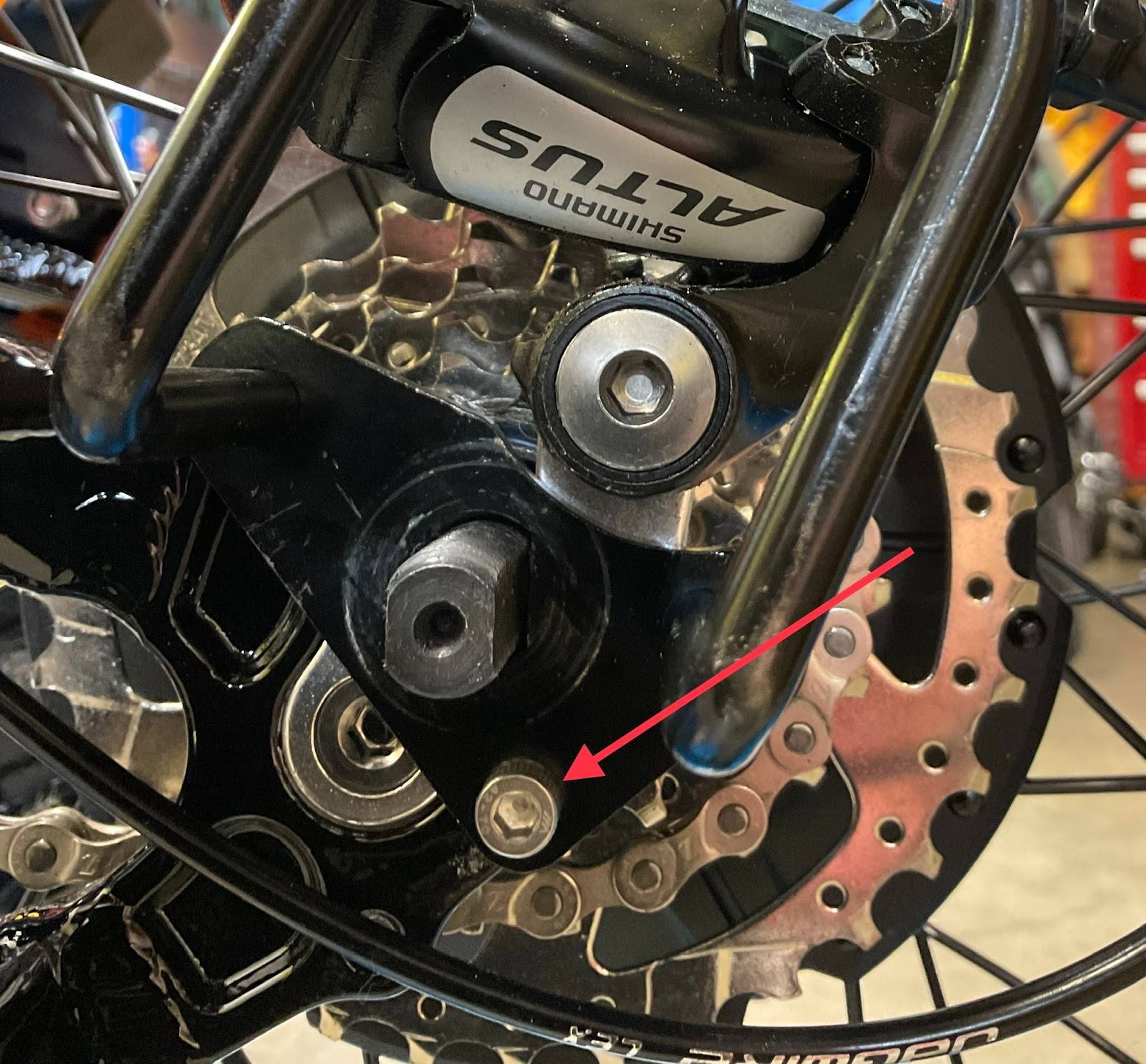
Install the derailleur guard onto the torque arm using an M5 bolt and a 4mm Allen wrench.
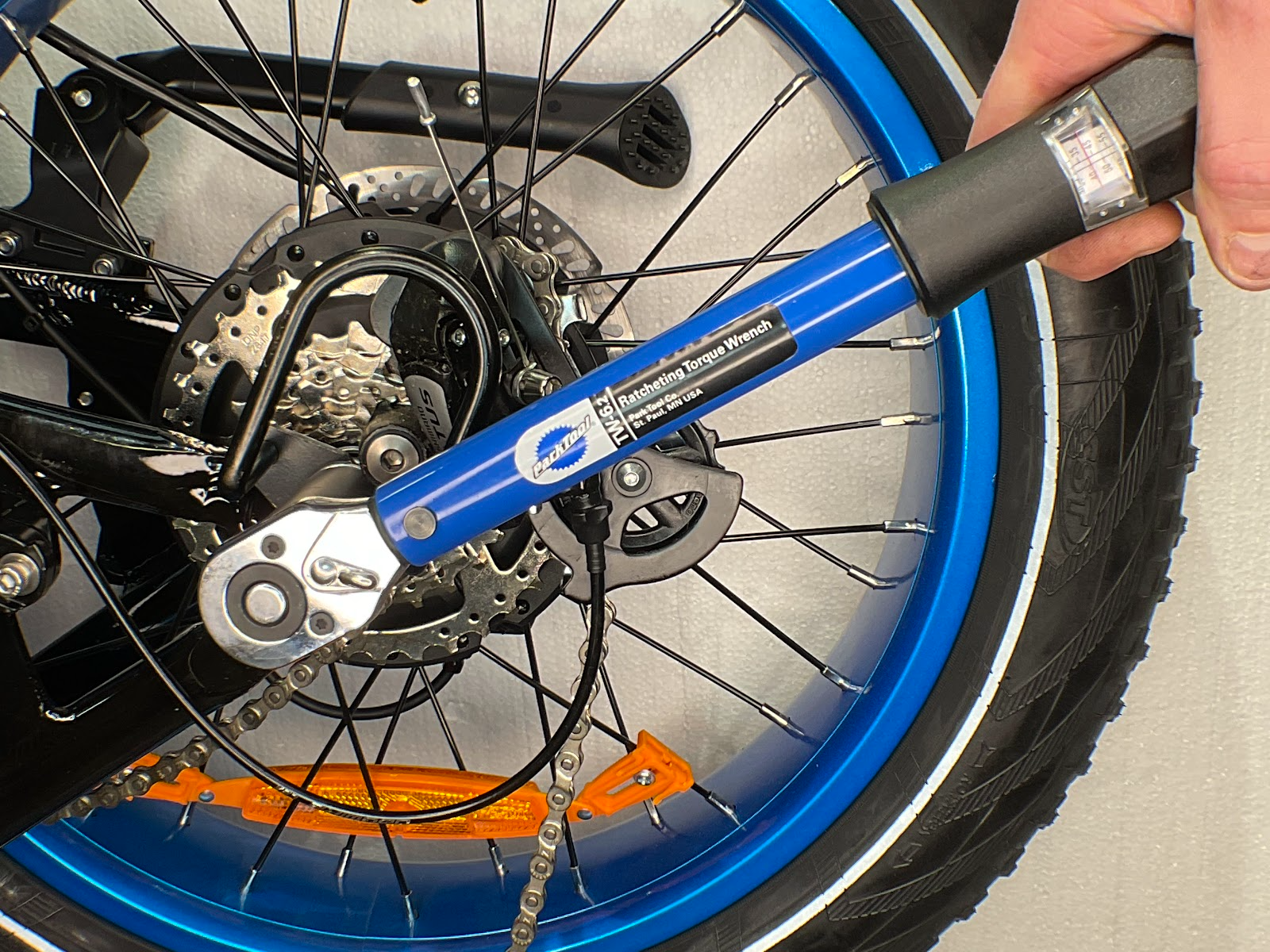
Thread on the axle nuts and torque them to 40 Nm.
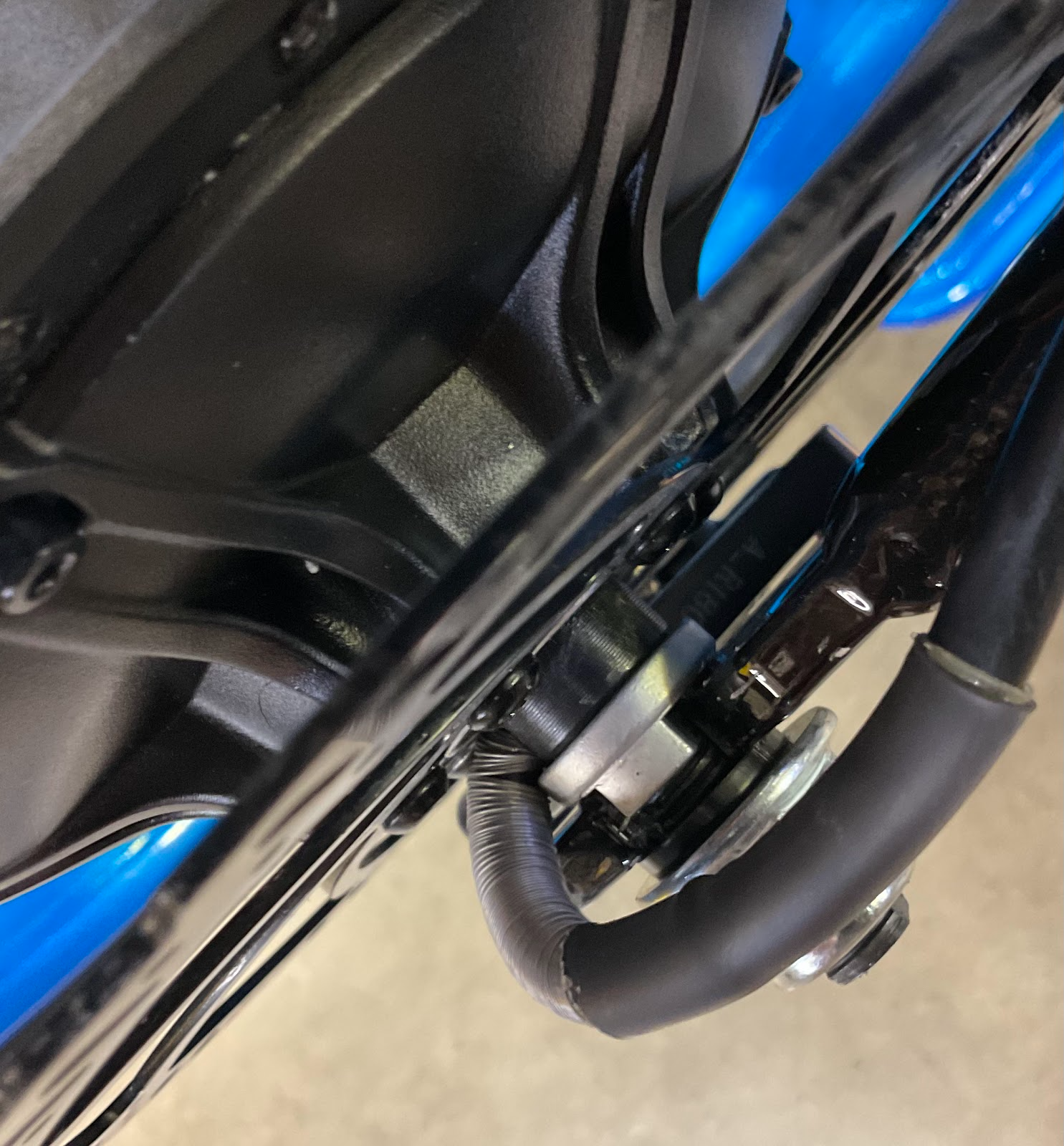
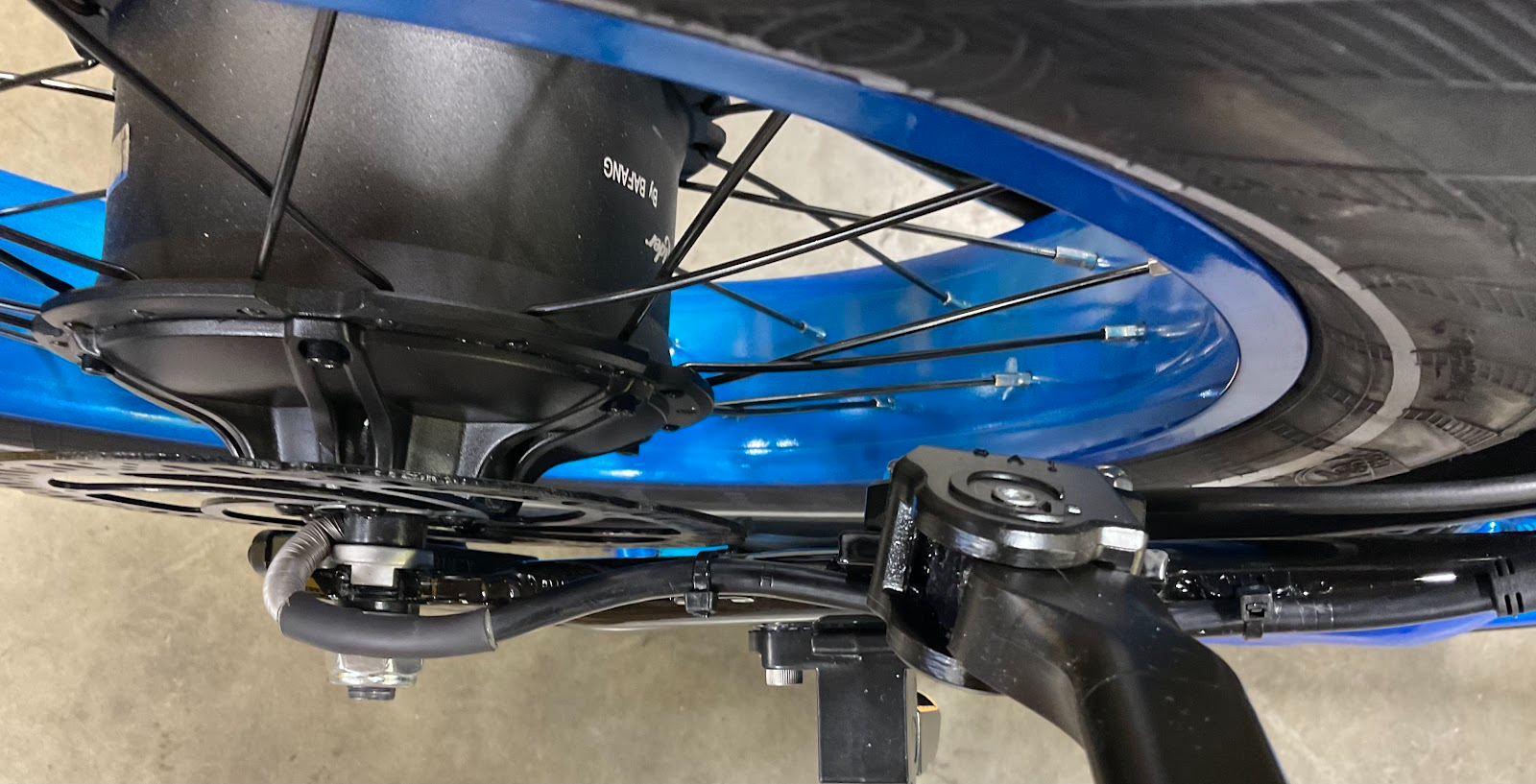
Reconnect the motor cable and secure it with new zip ties. Ensure the motor cable clears the rotating brake rotor bolts and that the brake hose does not rub against the wheel at any point.
Verify that your tires are properly inflated and the chain is engaged on the drivetrain before taking a test ride.
If you have any questions, please reach out to us through our contact form.